A password manager that only holds passwords sends you somewhere else for the passport number and the Wi-Fi code, and somewhere else is usually a note on the phone with no encryption on it at all.
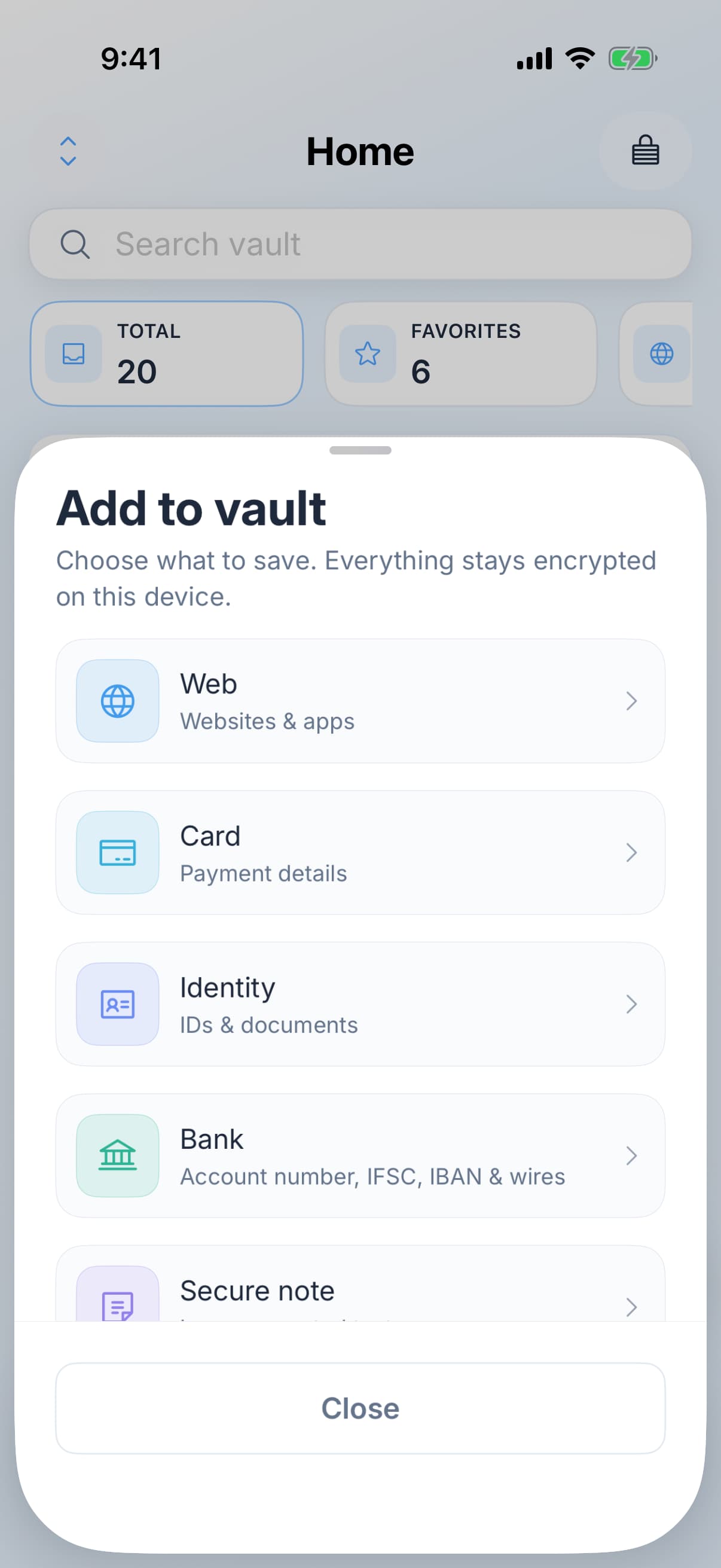
The seven kinds
- Web logins. Username, password, web address, with passkeys and one-time codes attached to the same entry.
- Payment cards. Number, expiry and the rest, kept out of the browser.
- Bank details. Account and sort code, the things you get asked for on the phone.
- Identity documents. Passport and licence numbers, with a photo attached.
- Wi-Fi networks. The long code on the back of the router, findable when a guest asks.
- Software licences. The key you will need after the next machine wipe.
- Secure notes. Everything with no shape of its own, including recovery codes.
When the fields do not fit
Every kind takes custom fields, so the security question nobody has a box for, or the customer number a bank asks for before it will talk to you, has somewhere to go on the entry it belongs to.
Attachments
You can attach photos to any entry, and they are encrypted with the entry rather than sitting alongside it in the clear. A picture of the passport page, the insurance card, or the sticker on the underside of the router is often more useful than typing the numbers out.
Keeping it findable
Folders group entries once there are enough of them to scroll. Work and personal is the split most people land on, and it is worth doing early, because doing it at two hundred entries is an afternoon.