Zen Slate
iPhoneiPad
A place to write that stays out of the way. Notes, todos and voice notes, kept on your iPhone and iPad.



Explore apps for notes, passwords, dictation, baby tracking and more. Compare real screens, supported devices and privacy choices, then download from the official store.

9 focused apps. Find the one that fits your day.
Filter by the device you use. Each row has the real screens from the app, the one job it does, and a direct link to the store.
A place to write that stays out of the way. Notes, todos and voice notes, kept on your iPhone and iPad.

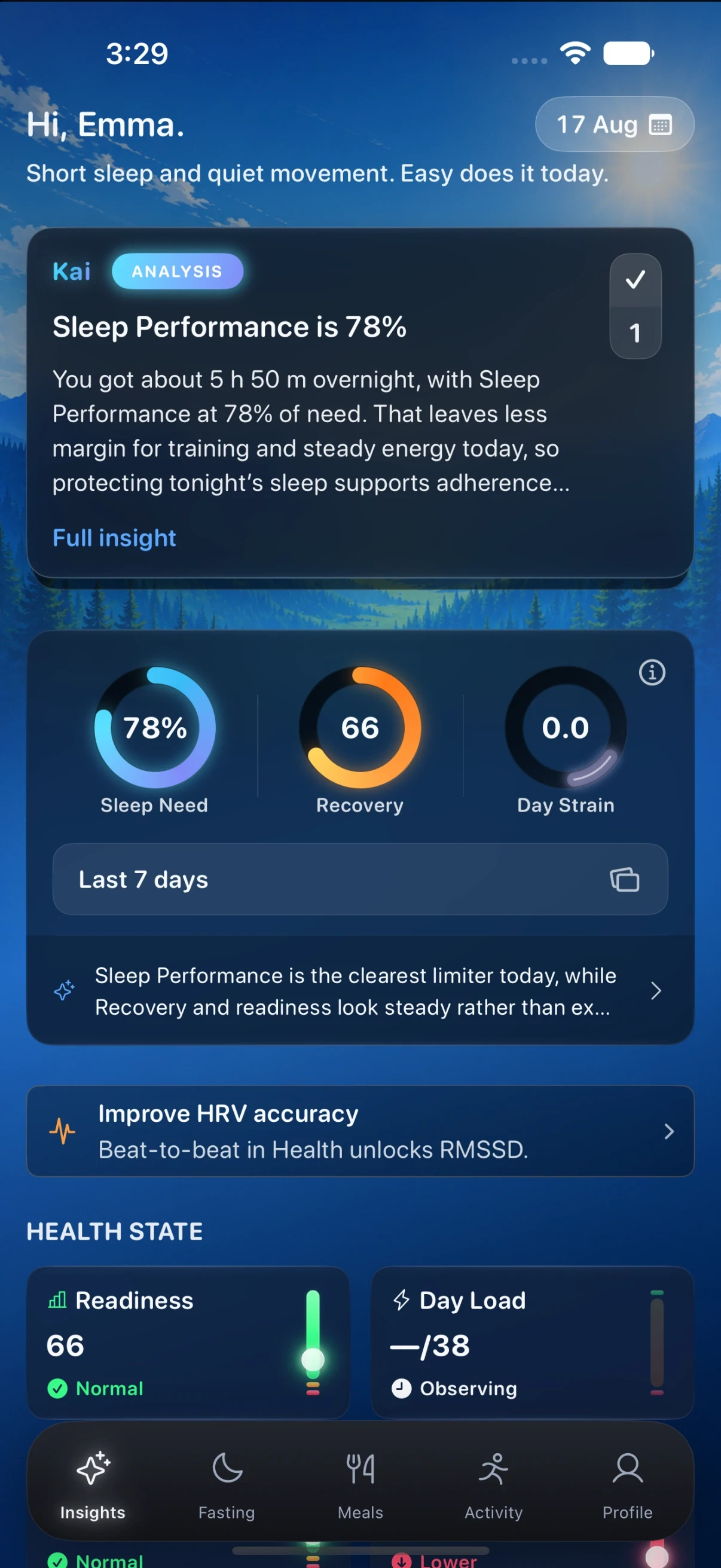
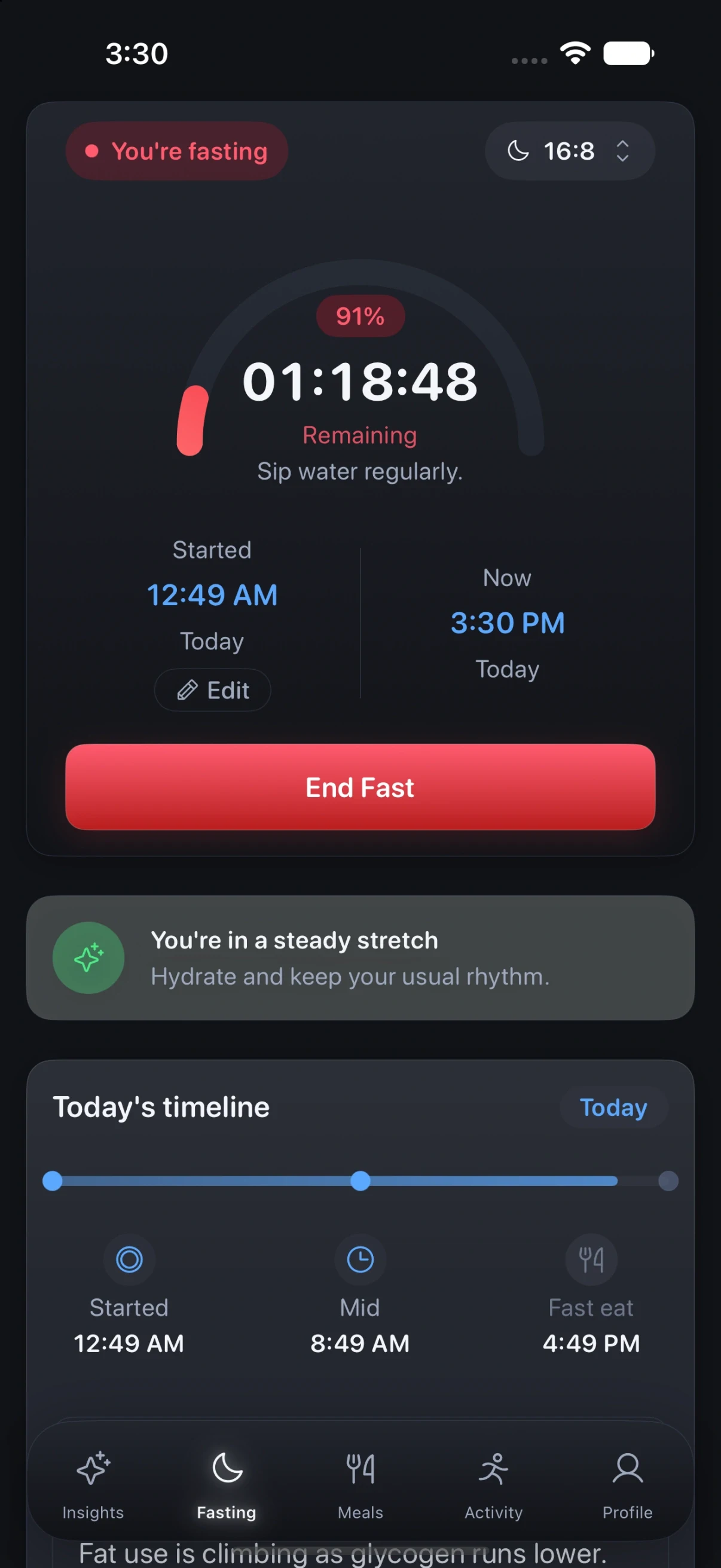
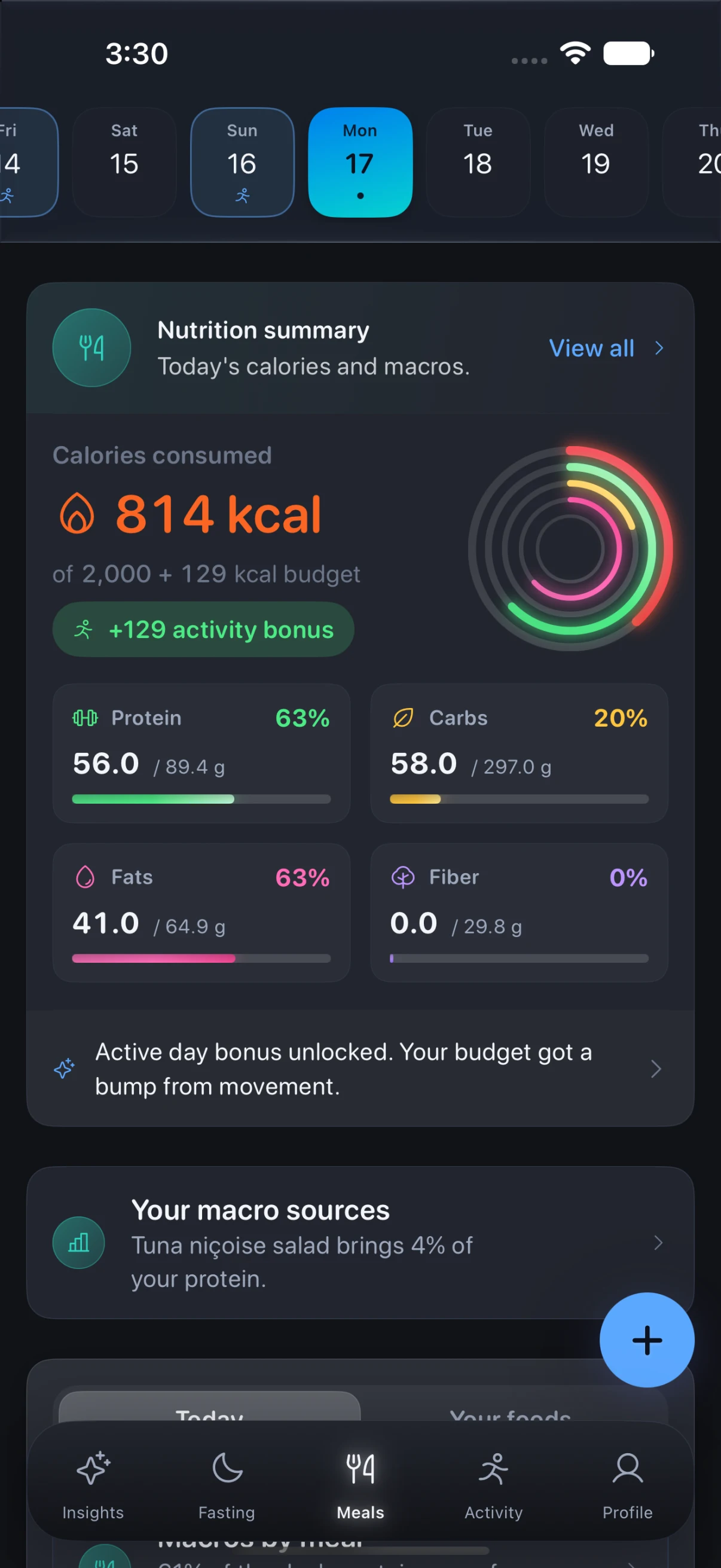
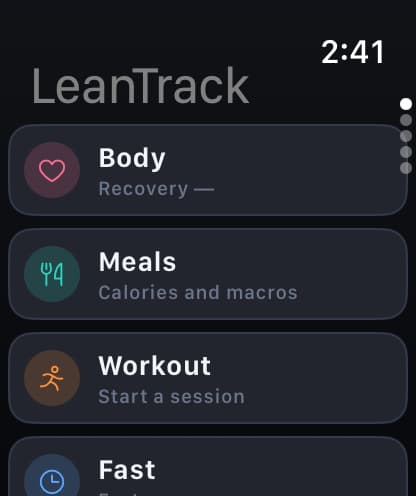
Intermittent fasting, with the sleep, food and movement around it.

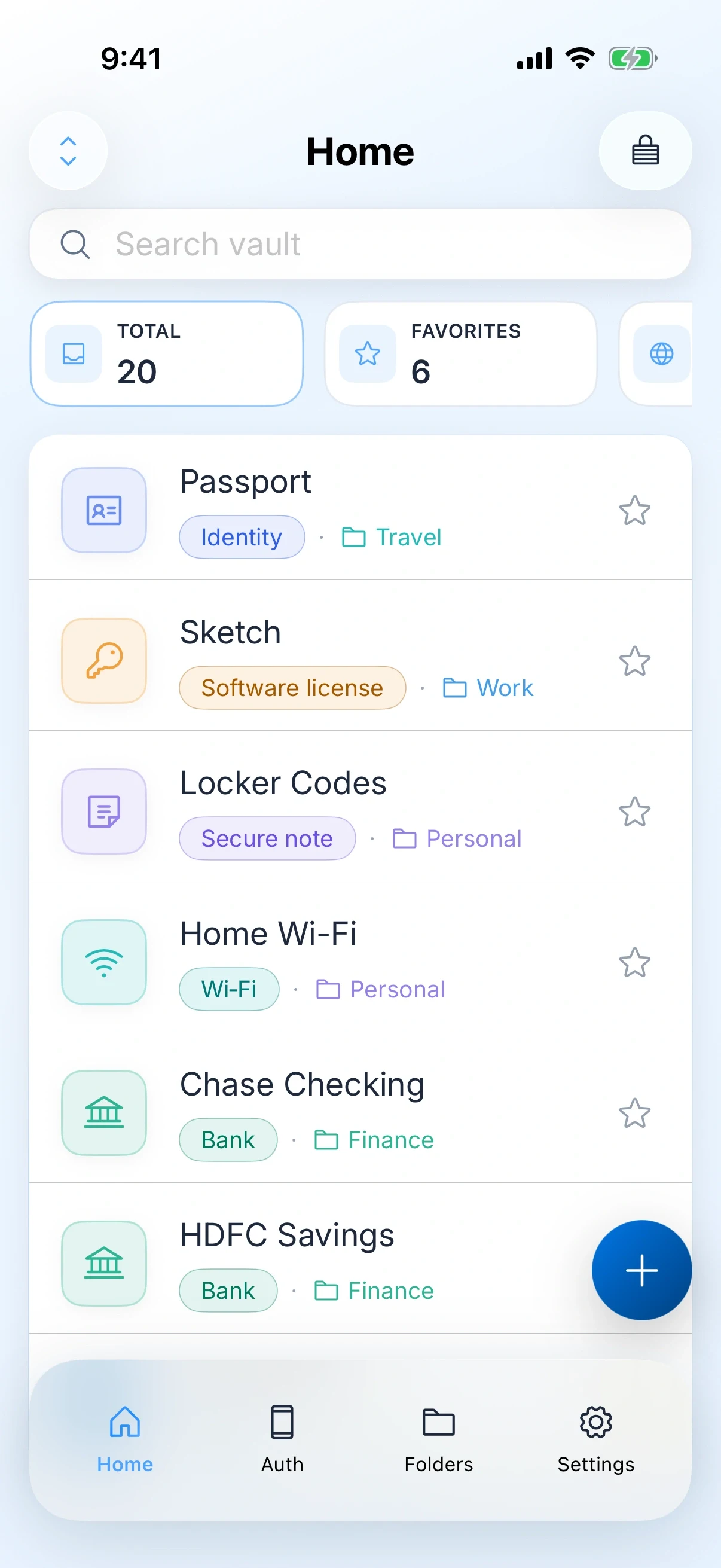
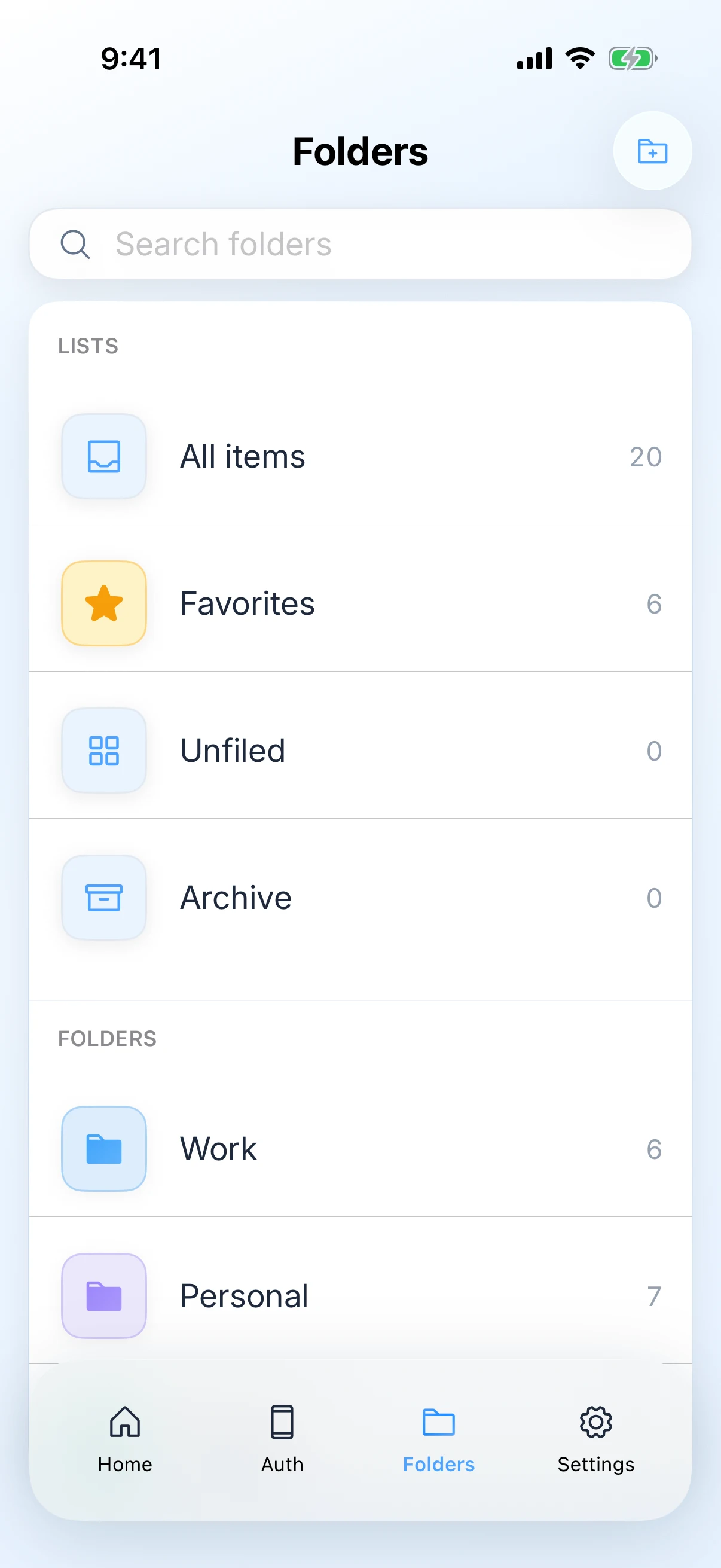
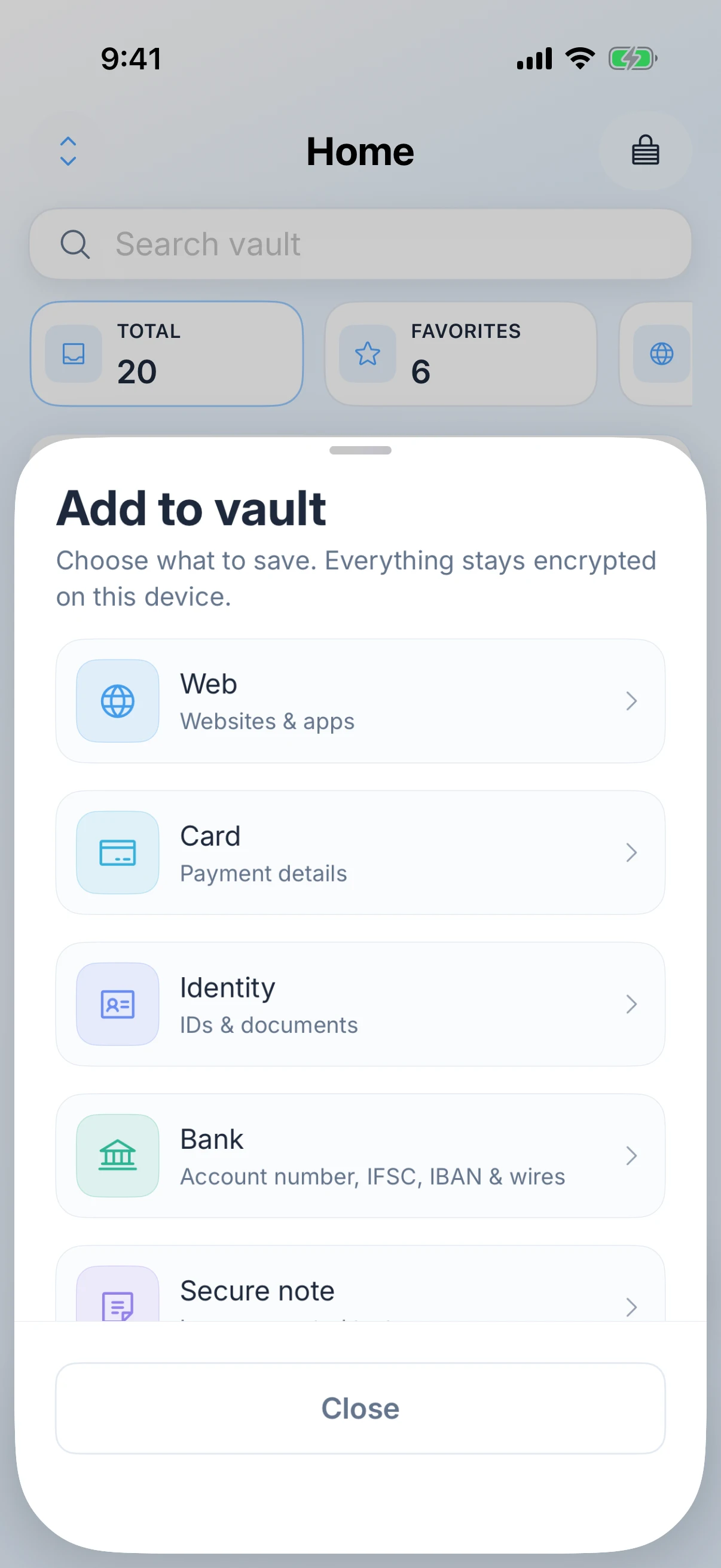
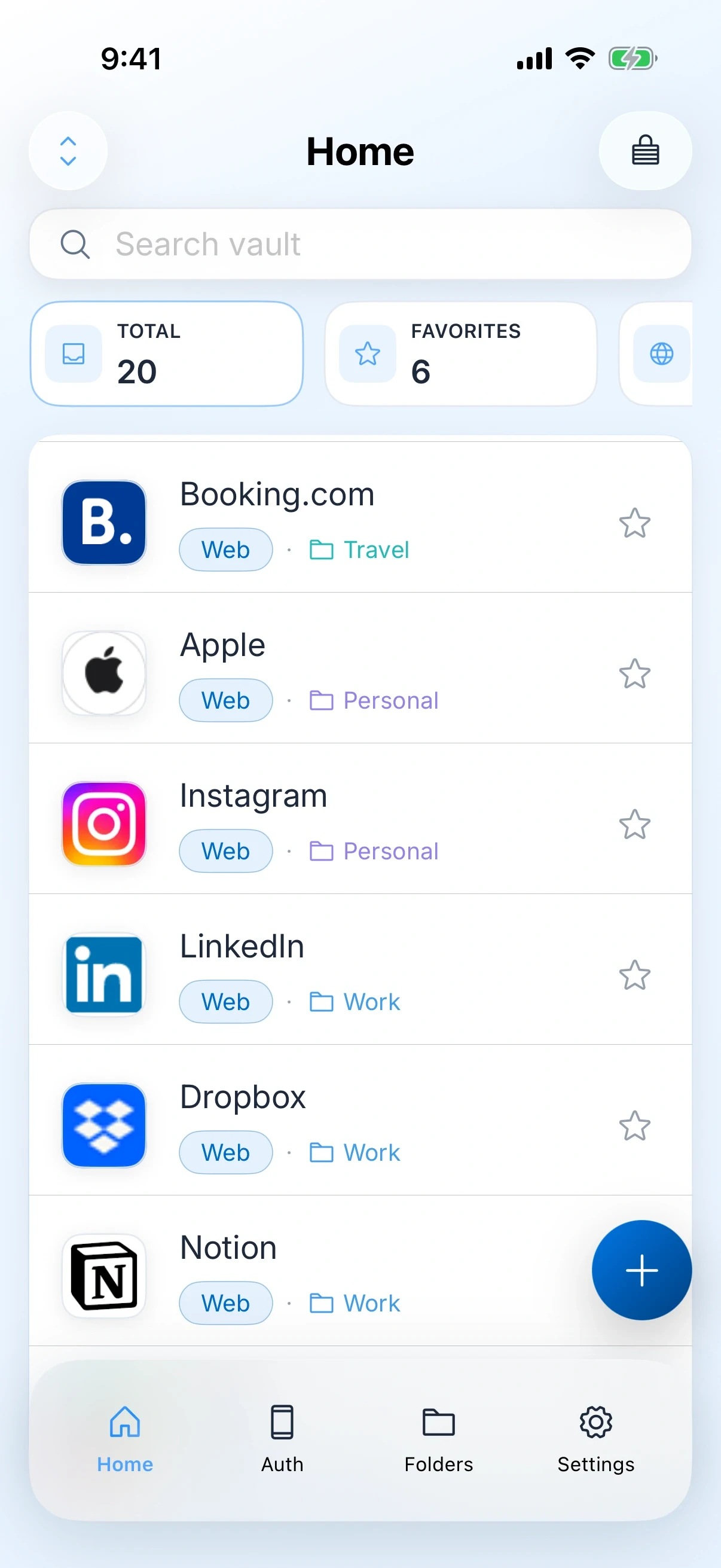
A private vault for logins, cards, bank details, one-time codes, and secure notes on iPhone, iPad, and Mac.
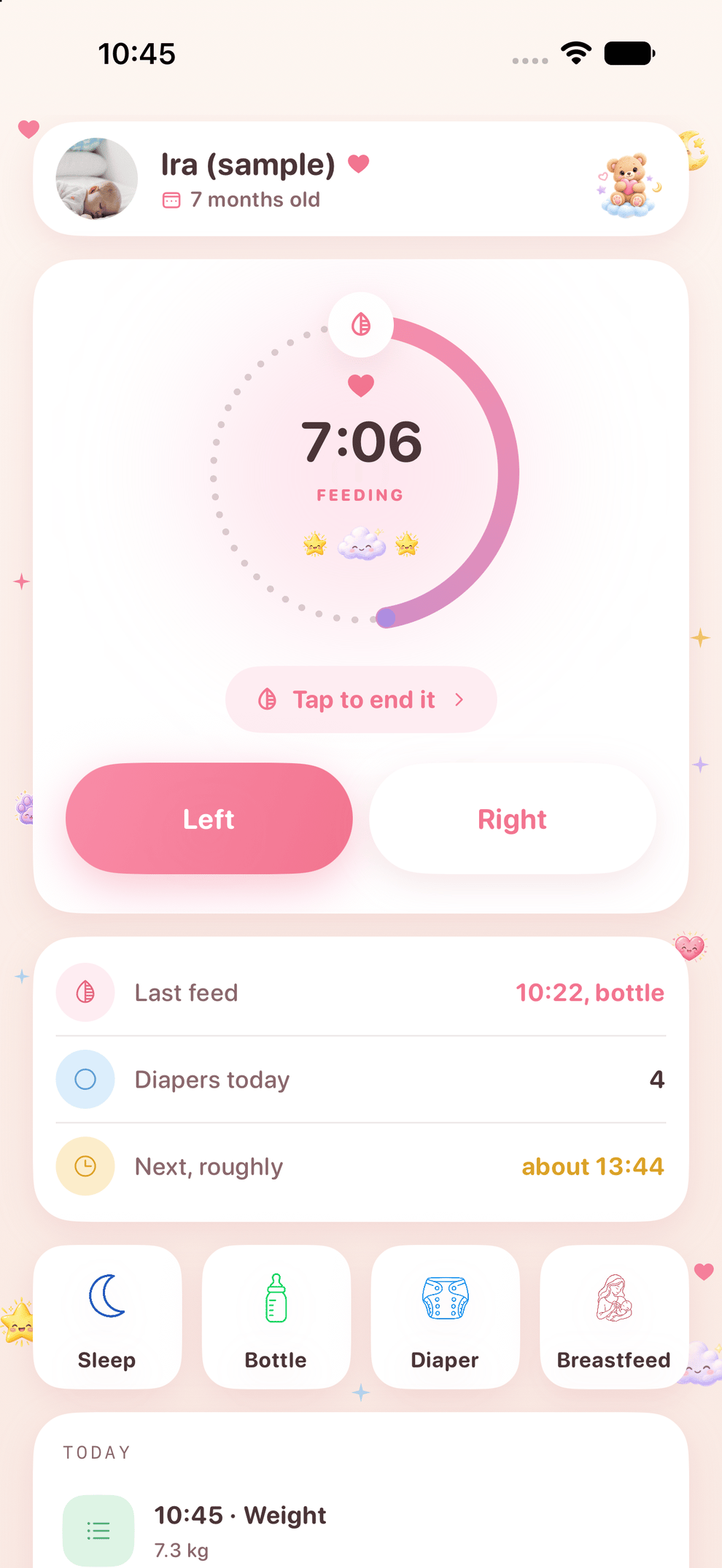
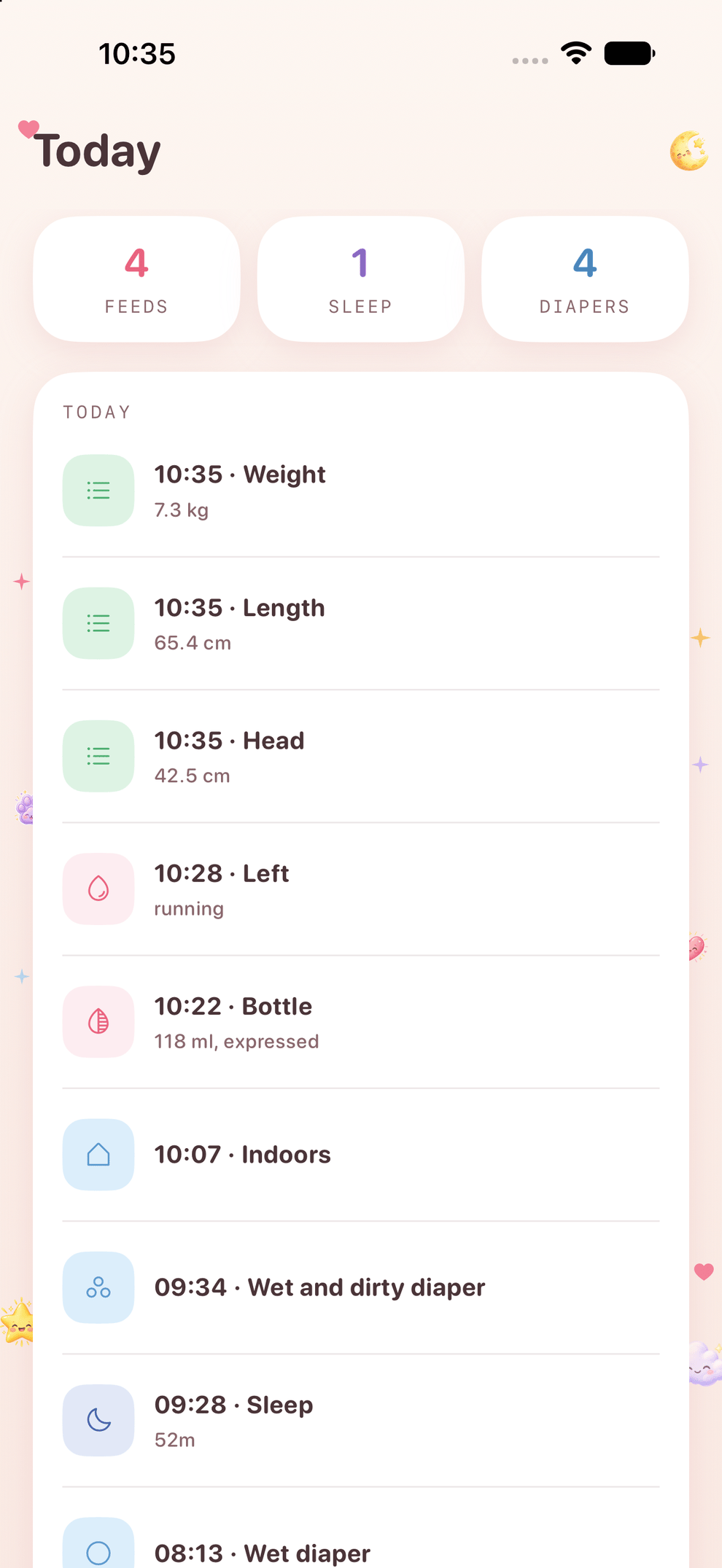
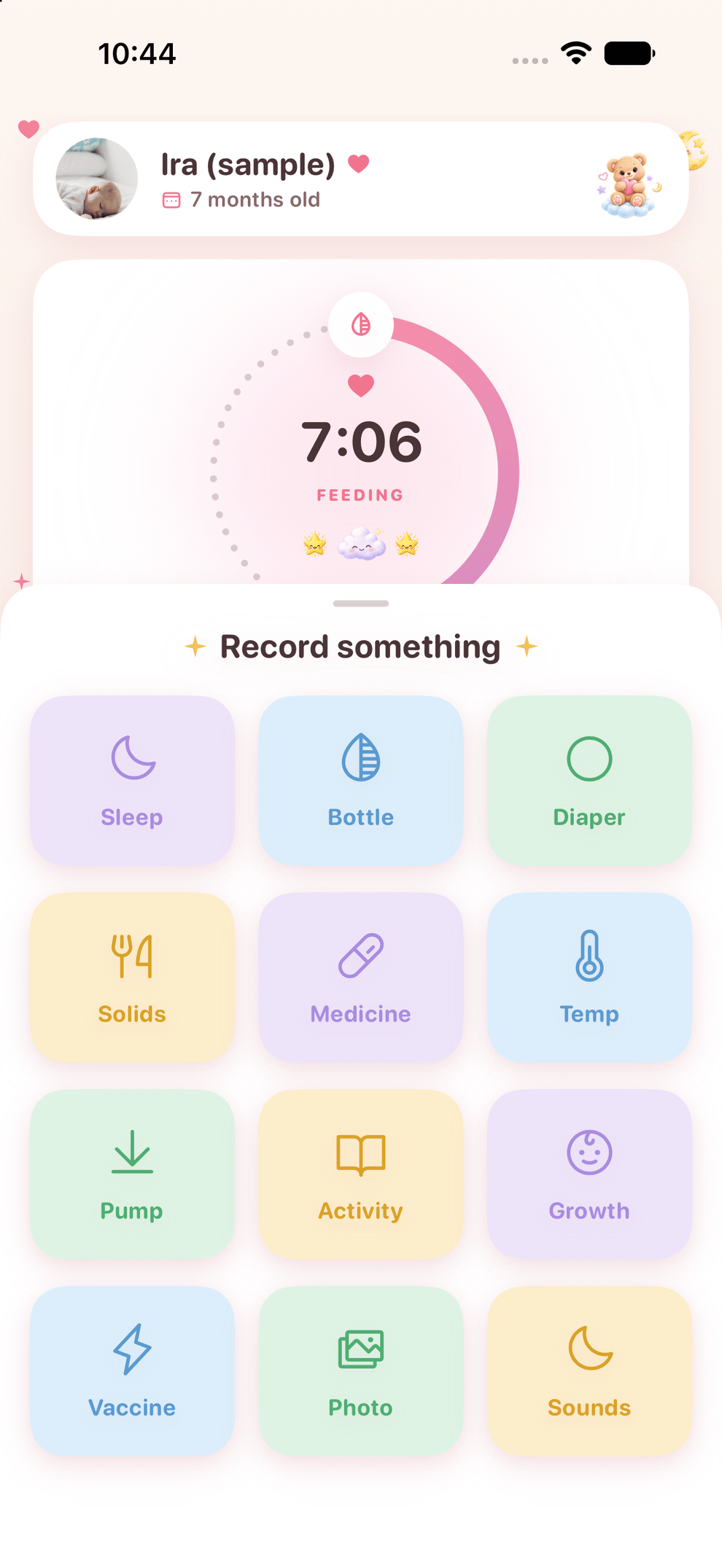
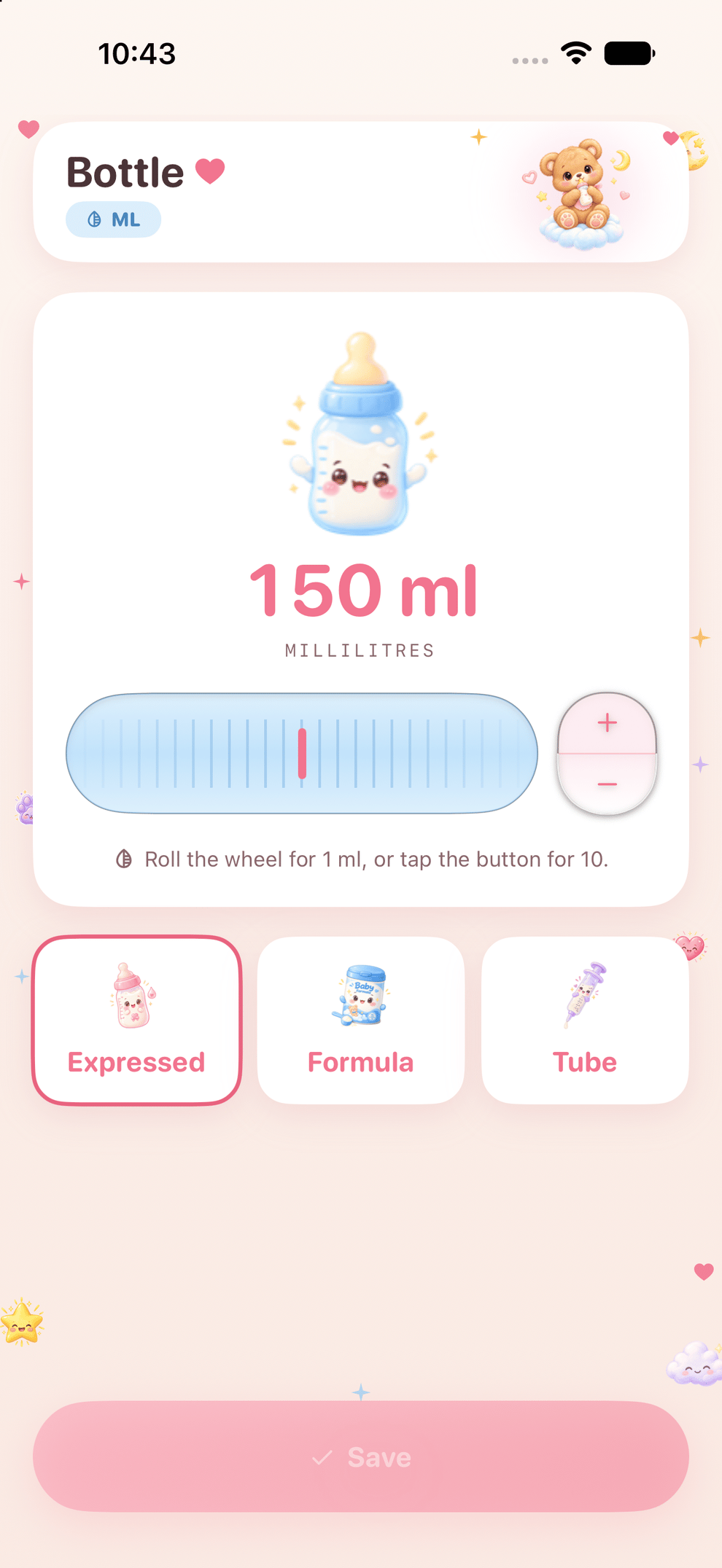
A complete log of your baby, built for the hour you actually use it.
🎙️ Private, local-first Mac dictation and transcription that follows your cursor.


Scripts and recordings for presenting, glass teleprompters, and front-camera takes.


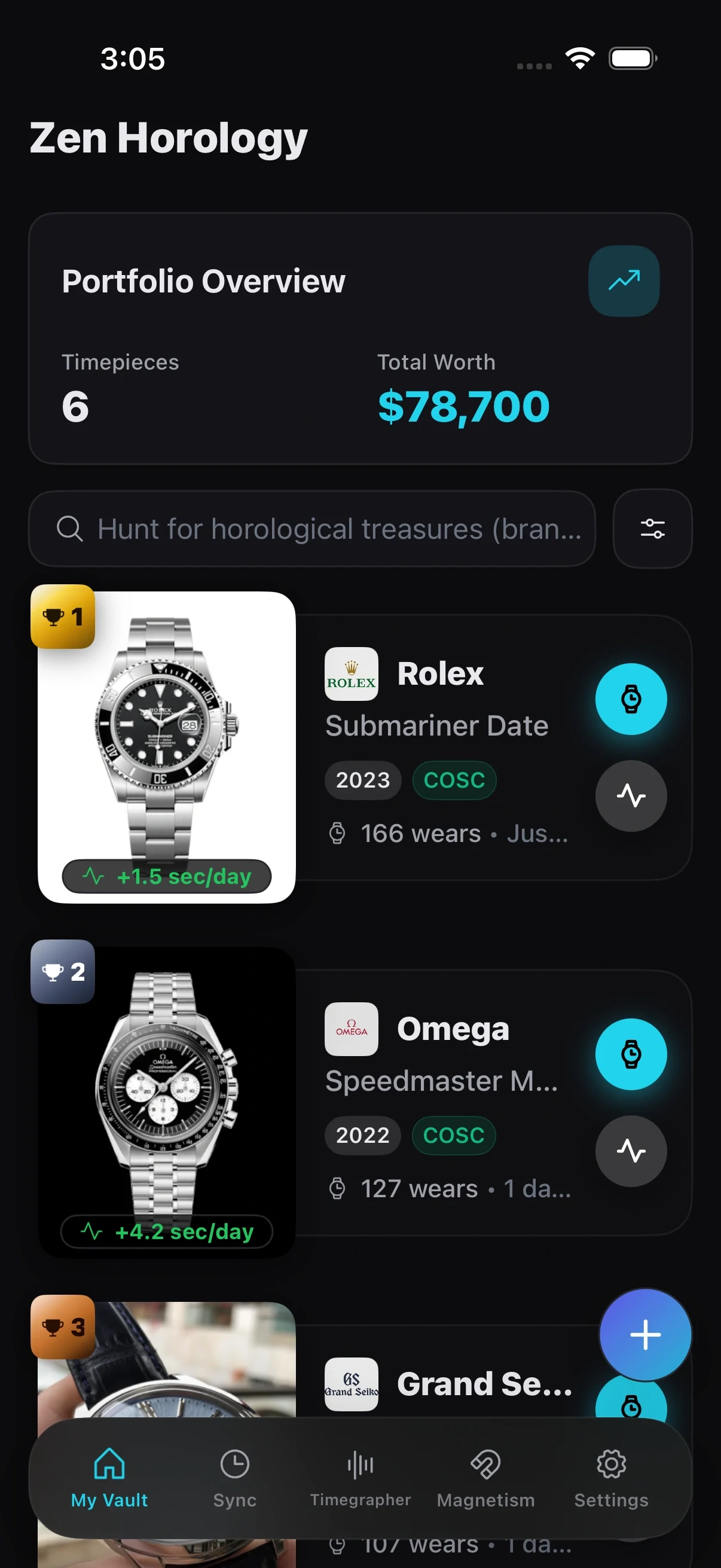
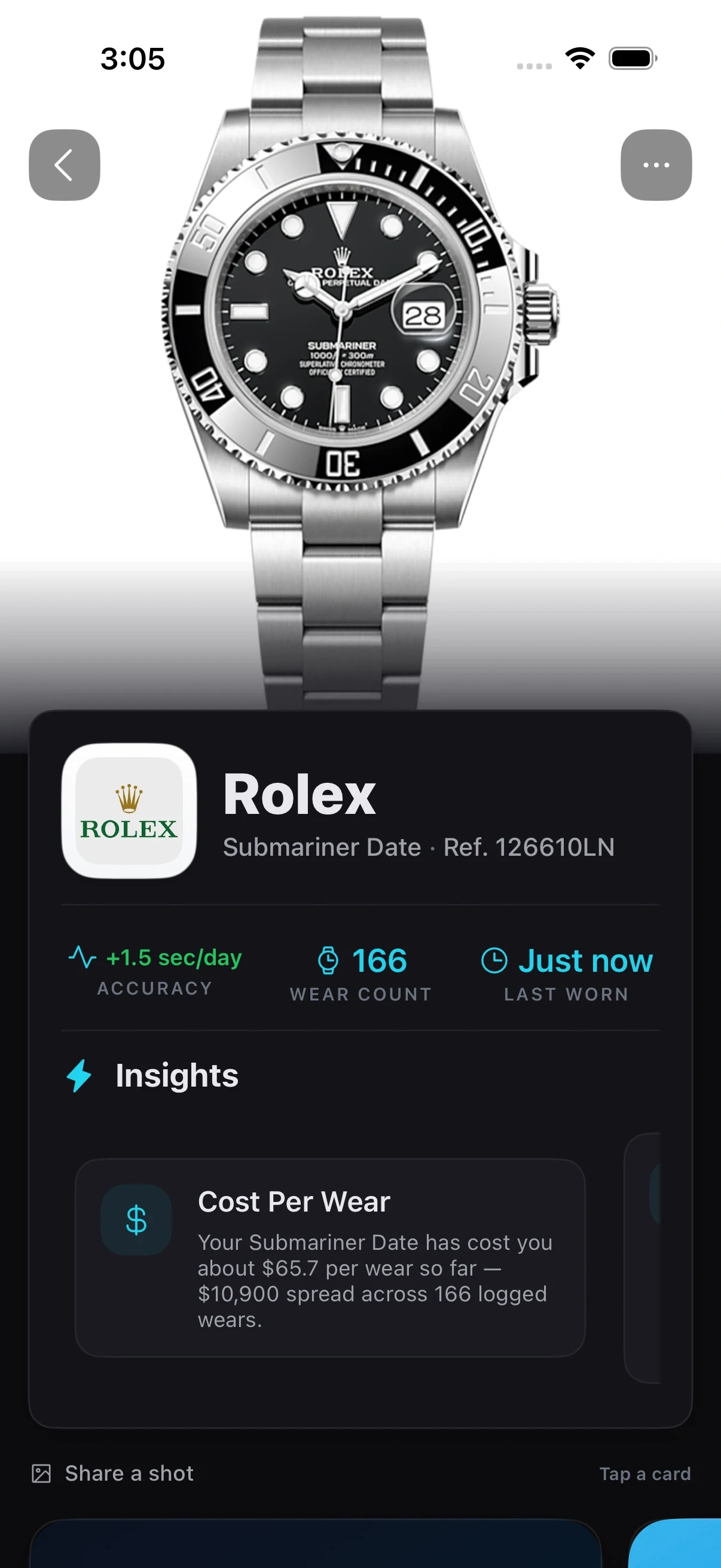
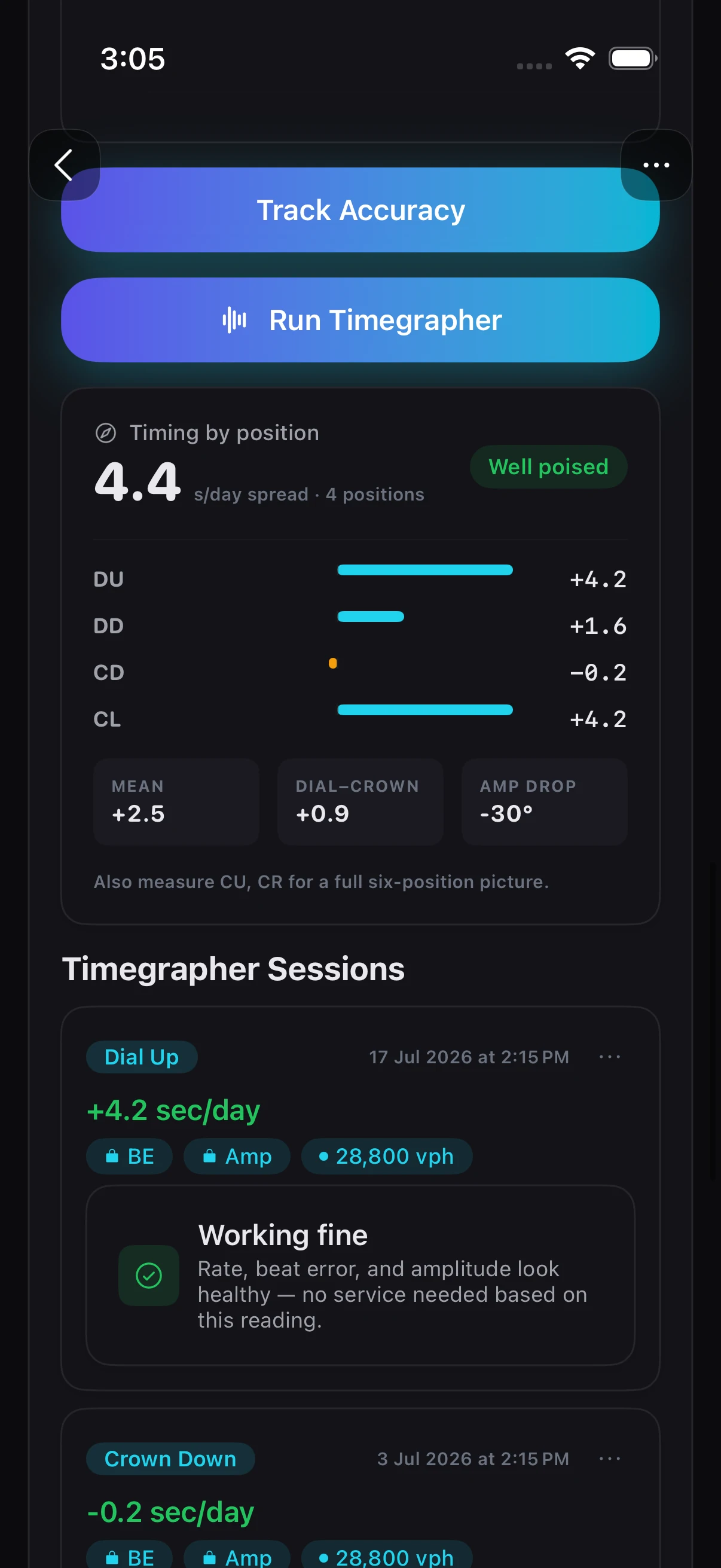
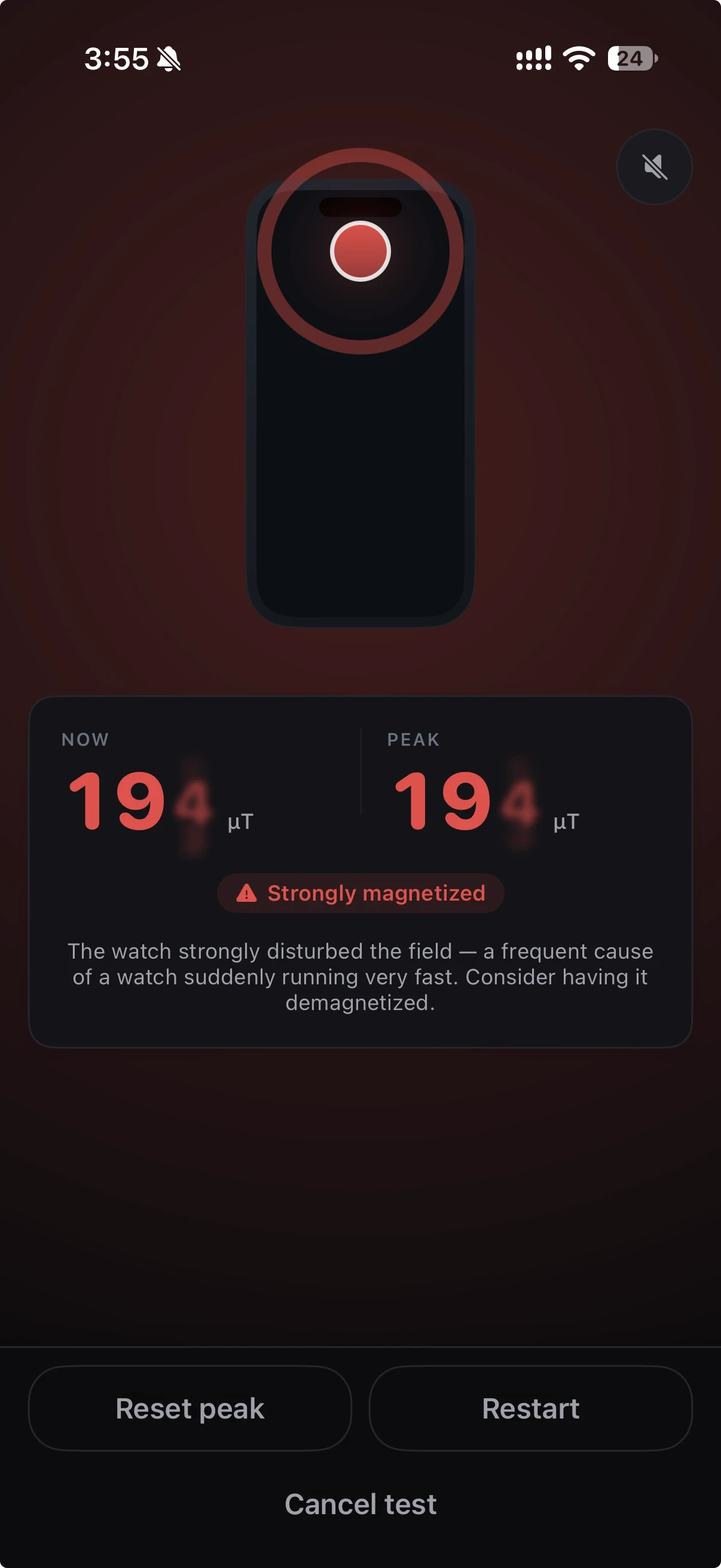
Your watch collection, organized and fully on your device.

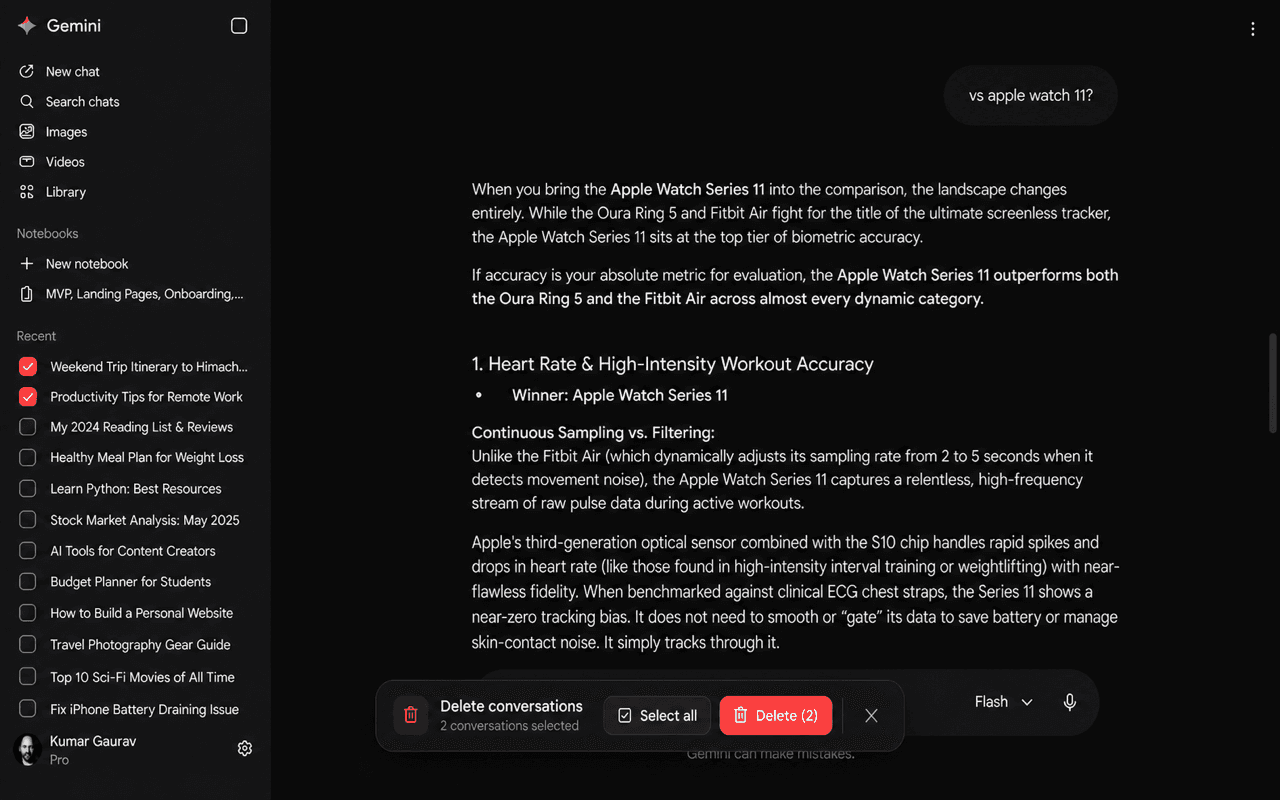
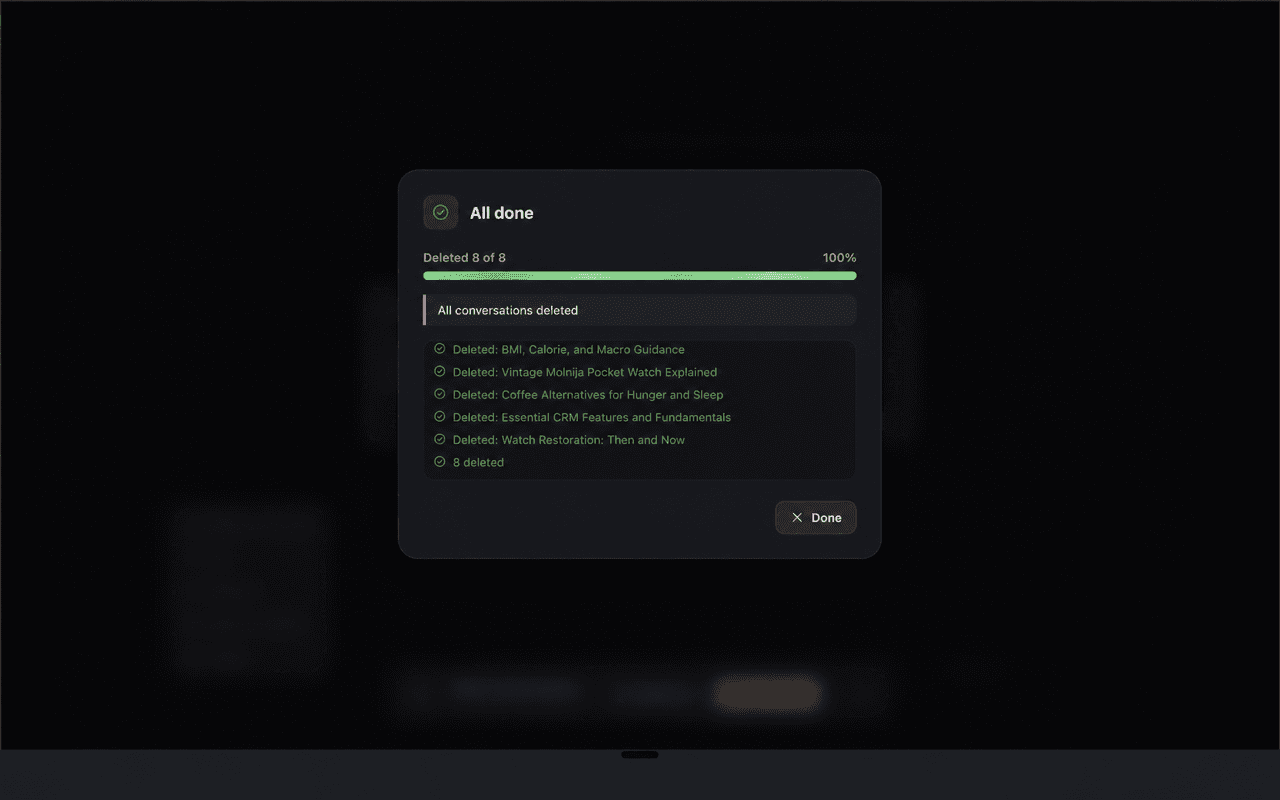
Clean up ChatGPT, Claude, and Gemini conversations in fewer steps.
Zen Passwords keeps your vault encrypted on your device, with optional iCloud sync and a free tier to try. Other apps explain their own storage and account requirements.