It is built around credentials
Logins, passkeys, Wi-Fi and verification codes, and it does those well. A payment card, a bank account number, a passport detail or a software licence has no proper home in it.
For a lot of people the built-in one is already enough, and this page will tell you if you are one of them. Apple Passwords is free, it is already on your phone, and it handles everyday logins, passkeys, Wi-Fi and verification codes well. Here is the specific line where that stops being true.
If none of these describes you, save your money and stay where you are.
Logins, passkeys, Wi-Fi and verification codes, and it does those well. A payment card, a bank account number, a passport detail or a software licence has no proper home in it.
What people actually do is put the card in a note, the bank details in another note, and a photo of a document in the camera roll. That scattering is the security problem, not how strong anybody makes the encryption.
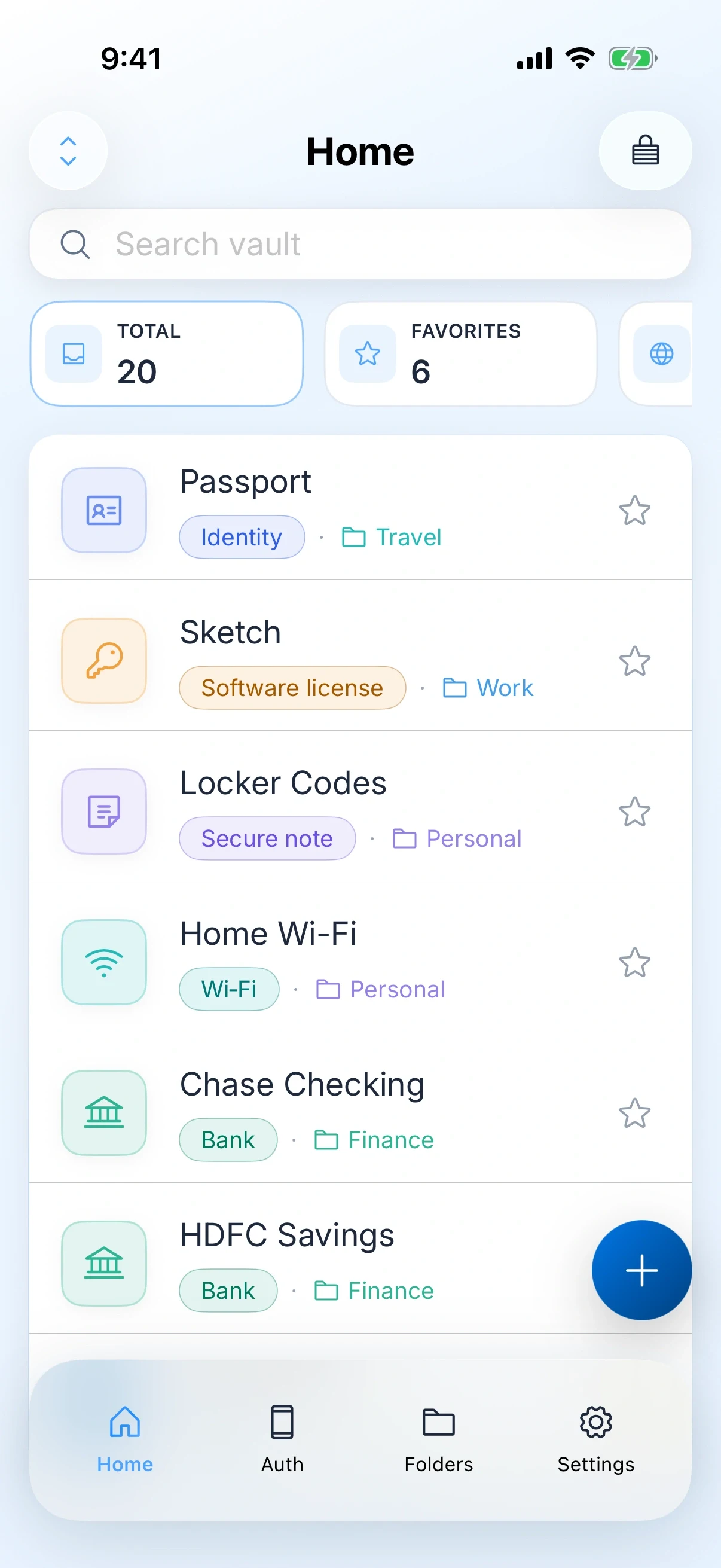
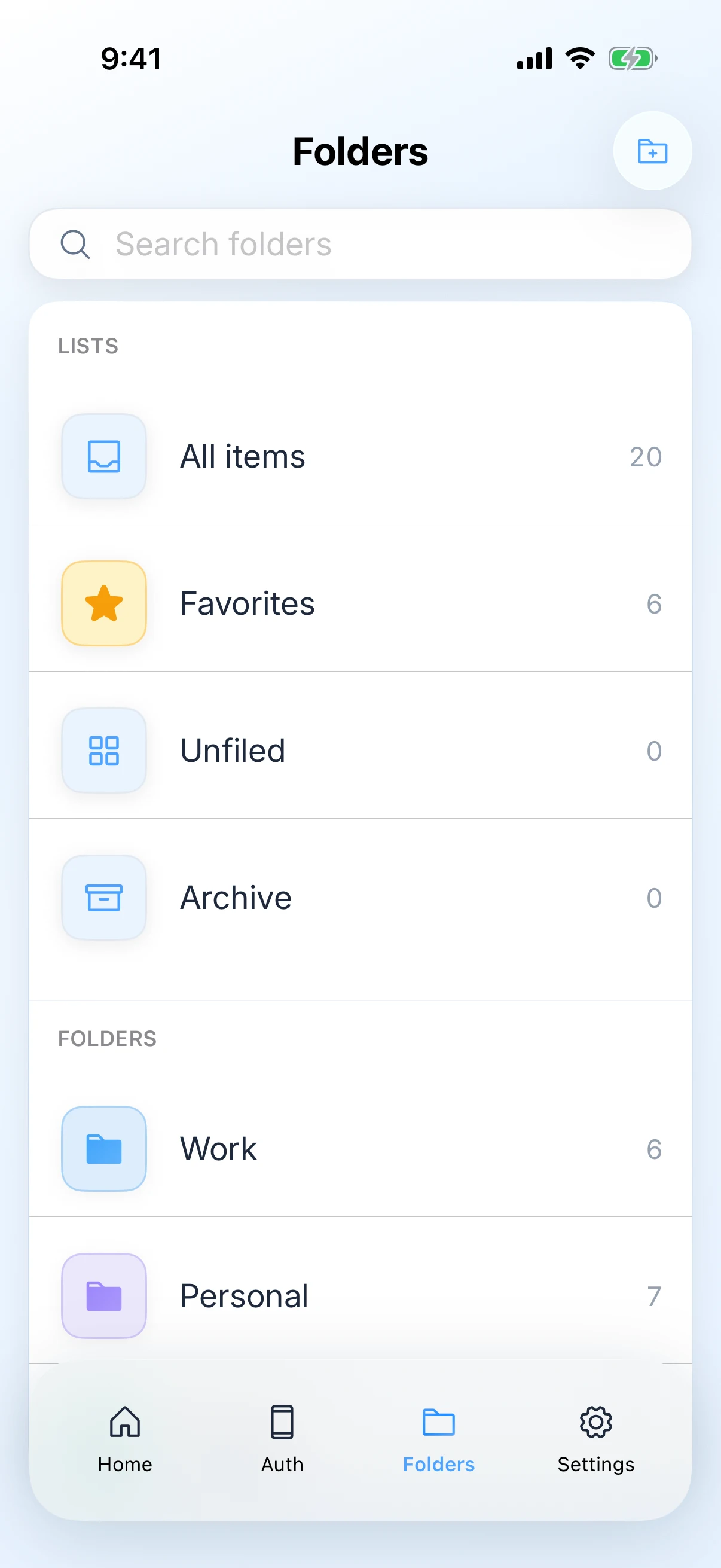
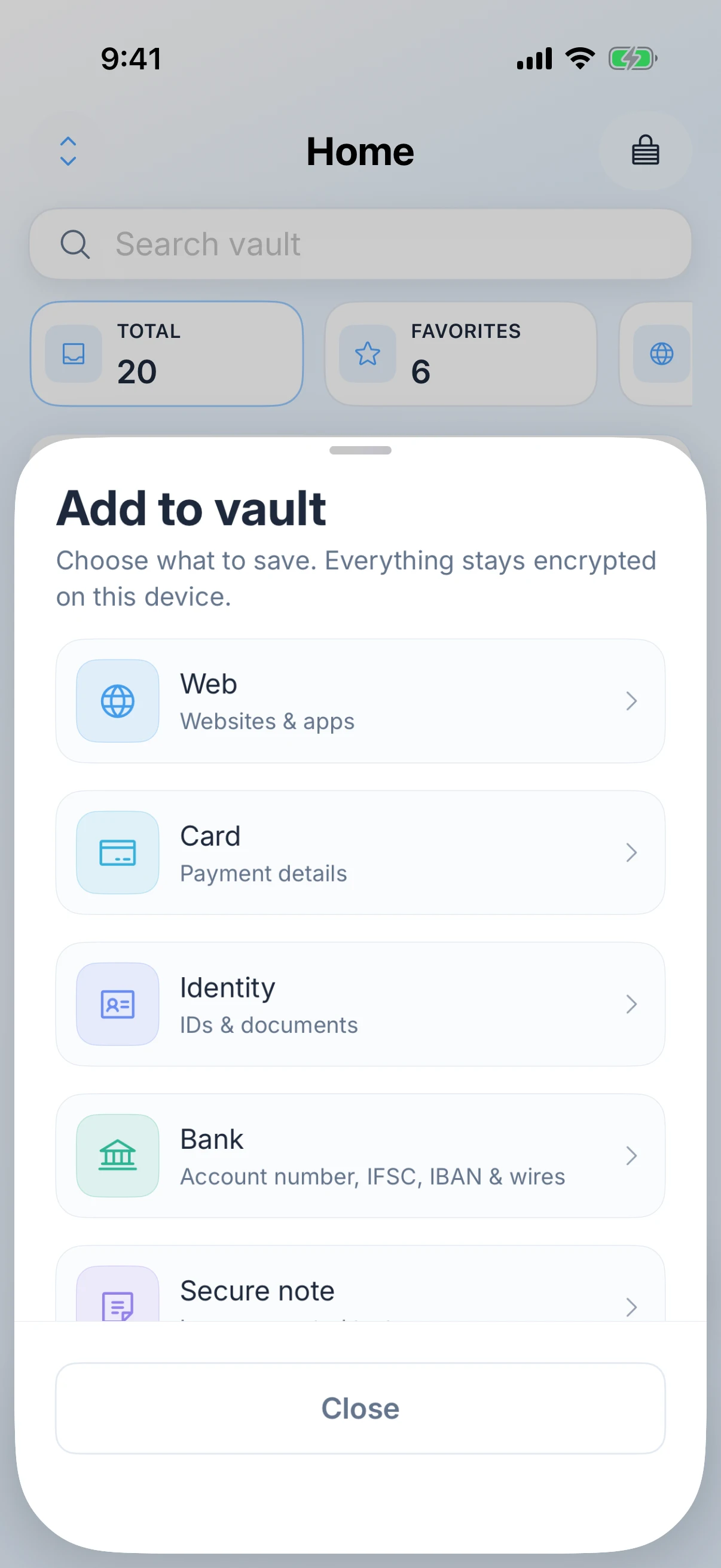
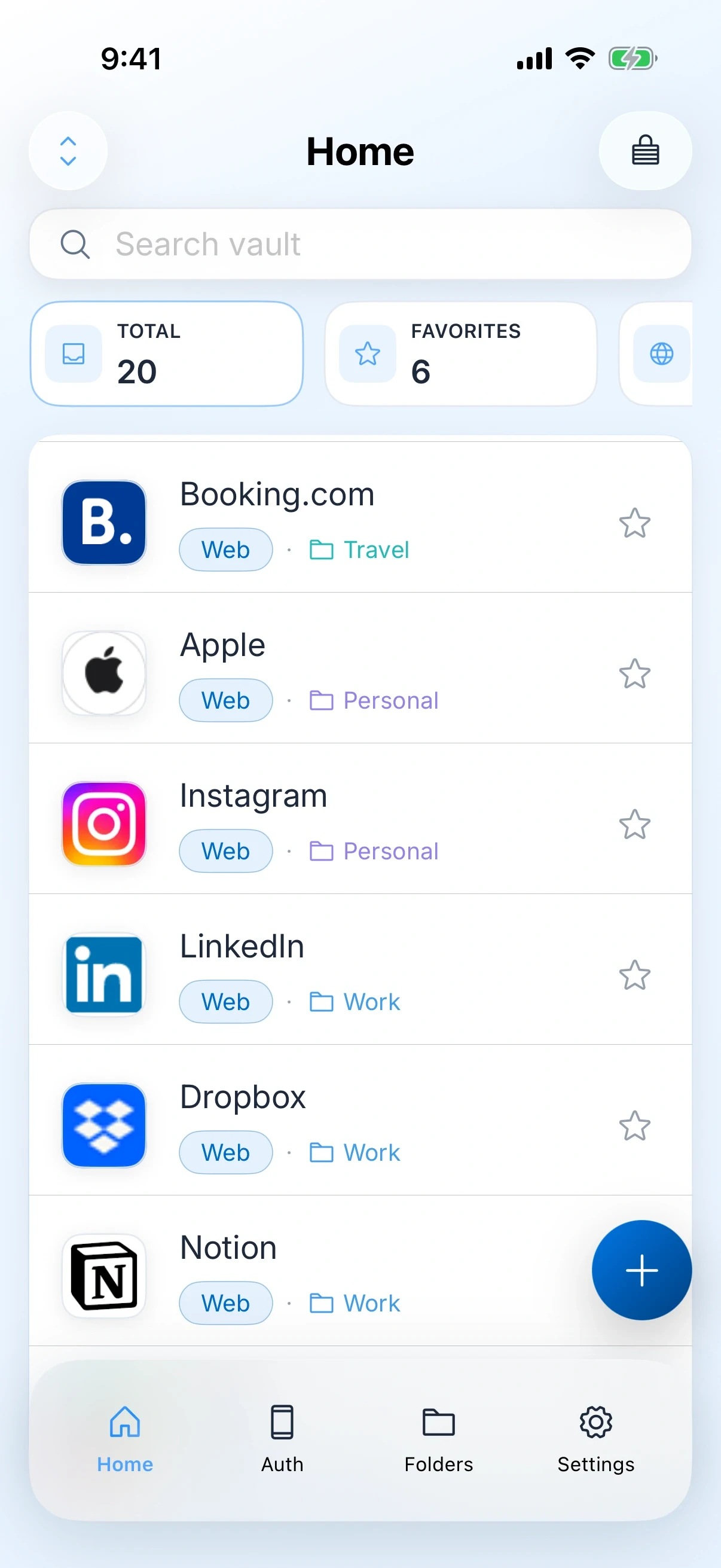
Zen Passwords holds logins, passkeys, one-time codes, payment cards, bank details, Wi-Fi, software licences and secure notes together, searchable, with the same lock over all of it.
This is the honest answer for a large share of the people who land on this page.
Nothing below changes any of that. If the list above is you, close this page and turn on iCloud Keychain instead.
Zen Passwords and Apple Passwords, side by side. Checked on the review date below.
| What is being compared | Zen Passwords | Apple Passwords |
|---|---|---|
| Where it runs | iPhone, iPad and Mac, plus a read-only terminal tool on macOS and Linux | Apple devices, with a Windows companion |
| What it stores | Logins, passkeys, authenticator codes, payment cards, bank details, Wi-Fi, software licences and secure notes | Logins, passkeys, verification codes and Wi-Fi |
| Filling logins | AutoFill for logins, one-time codes and passkeys in Safari and other apps, on iPhone, iPad and Mac, plus save-password prompts | Built into the system, with nothing to switch on |
| Account | None. You never create one | Your Apple ID |
| Sync | Optional, through your own private iCloud under your Apple ID | iCloud Keychain, under your Apple ID |
| Unlock | Master password, with optional Face ID, Touch ID or Optic ID | Your device passcode and biometrics |
| If you lose access | Nobody can reset your master password, including us, because we never receive it. You get a printable recovery key instead, or social recovery split across people you trust | Apple account recovery can get you back in |
| Price | Free for up to five active items, then Zen Premium for unlimited items. Apple shows the price and the billing terms before you buy. | Free, and already installed |
Facts about Apple Passwords were checked on against their own site. Products change, so check theirs before you decide.
Plenty of people keep Apple Passwords for website logins and use Zen Passwords for everything else. That is a reasonable setup, not a failure to choose.
Write the list before you move anything. For most people it is cards, bank details, a passport, a couple of licences and the notes they have been keeping in the wrong app.
The value arrives the moment those leave your notes app and your camera roll. Logins can follow later, or never.
Apple Passwords can export to a file you then import. Delete that file as soon as the import is checked.
This is the one nobody can reset for you. Long, memorable and written down somewhere physical is better advice than clever.
For website logins, passkeys, Wi-Fi and verification codes, yes. It is free, it is built in, and it works across your Apple devices. The reason to add anything is that you also want cards, bank details, licences and secure notes under the same lock.
Yes, and many people do. Keep Apple Passwords doing what it does well, and use Zen Passwords for the things that currently live in a note or a photo.
No. Zen Passwords registers as an AutoFill provider on iPhone, iPad and Mac, so logins, one-time codes and passkeys are offered in Safari and in other apps in the same way. The difference is that you switch it on yourself in Settings, where the built-in one is already on.
The catch is exactly that. Apple can help you recover your keychain because Apple holds a way in. We cannot help you recover your vault because we hold nothing. That protects you from us and from anyone reaching our systems, and it means a forgotten master password is final. Keep it somewhere you will still find it in five years.
No. Up to five active items are free, and that is the real app rather than a trial that expires. Zen Premium unlocks unlimited items, and Apple shows the price and billing terms before you buy.
A private vault for logins, cards, bank details, codes and notes on iPhone, iPad and Mac. Free for up to five active items.
Download on the App StoreNo account, an Apple only vault, and the three cases where you should stay put.
Read the comparisonOpen source and everywhere, against one platform built natively.
Read the comparisonWhat to change before you switch, and why the old vault still matters.
Read the comparisonSame method, eight times the memory, and no bundle you did not ask for.
Read the comparisonTwo products that agree nobody should hold your vault. The difference is the key.
Read the comparisonThe strongest rival we have. One narrow reason to move, stated honestly.
Read the comparisonThis page assumes you are leaving Apple Passwords. If you are still weighing the two up, the verdict page answers that instead.
Zen Passwords vs Apple PasswordsEvery feature, the screenshots, the privacy detail and the questions people ask most often.
Open the product pageEverything claimed about Zen Passwords here is what the app does today. Everything claimed about Apple Passwords is limited to things that have been true of it for years, with no prices, because a price on a page nobody re-checks goes wrong in public. If you find something out of date, tell us and we will fix it.