Zen Passwords · reviewed

A Proton Pass alternative for people who are entirely on Apple

This is the page where we recommend the other product to most people, so we will do that first. Proton Pass is free with no item limit, it is open source, it has been audited by Cure53, and it runs everywhere. If any of that decides it, stop reading and use Proton Pass. What follows is for the smaller group it does not decide.

why people look

Why someone moves from Proton Pass to Zen Passwords

Three reasons, and that is all there are. We scored a ten round head to head against Proton Pass and lost it, five rounds to three. This page is not going to pretend otherwise.

What one guess against your vault costs

Proton derives the key that protects your vault from a bcrypt hash of your password, with a hardened sign-in exchange on top. bcrypt is a respected function and it is not broken. It holds a fixed buffer of roughly 4 KB, which is the number that matters here. Zen Passwords uses Argon2id starting at 256 MB of memory for every single guess. Time can be bought cheaply by the rack. Memory cannot.

Nobody holds your vault, because there is nobody to hold it

Proton keeps your encrypted vault on Proton servers in Switzerland. That is close to the best version of being a custodian: a company with a real record on privacy, in a legal home that helps. We are not a better custodian than Proton. We are not a custodian. Your vault sits in your own private iCloud, on your Apple ID, and there is no Zen server it could sit on instead.

An app built for Apple rather than adapted to everything

Running well on Android, Windows, Linux and Apple at once is a real achievement, and it has a price: no single platform gets the app it would have got on its own. Ours only has to be right on three. That shows up as real Mac menus and a sidebar, and text that relays out properly when you make it bigger.

the honest part

When you should stay with Proton Pass

Five reasons, and they are the strongest set on any of these pages. We would rather write them down than have you find them somewhere else.

  • Anything you use runs Android, Windows or Linux. Zen Passwords is iPhone, iPad and Mac only.
  • The free plan matters to you. Proton Pass is free with unlimited logins, notes and cards on unlimited devices. Ours keeps five items.
  • You want code other people can read. Proton Pass is open source and has been audited by Cure53, with a public bug bounty. We are closed source and have never had an independent audit.
  • You use hide my email aliases. We have nothing like them and no plan you can point at.
  • You share logins with anyone. Proton Pass has sharing. We do not.

If none of those decide it, what is left is the key itself and who holds the file. Those are the two we win, and they are the two we would pick if we could only have two.

side by side

What is actually different

Zen Passwords and Proton Pass, side by side

What is being comparedZen PasswordsProton Pass
Where it runsiPhone, iPad and MacApple devices, Android, Windows, Linux and browsers
AccountNone. You never create oneA Proton account, held on their servers
What one guess costs an attackerArgon2id, up to 256 MB of memory per guessbcrypt, which holds a small fixed buffer source
Where the vault livesYour own private iCloud, or on the device aloneProton servers in Switzerland, end to end encrypted
Has anyone else checkedNo. Closed source, and no independent audit yetOpen source, audited by Cure53, with a bug bounty
What is encryptedItem contents, with titles and tags sealed separatelyEverything, including web addresses and usernames
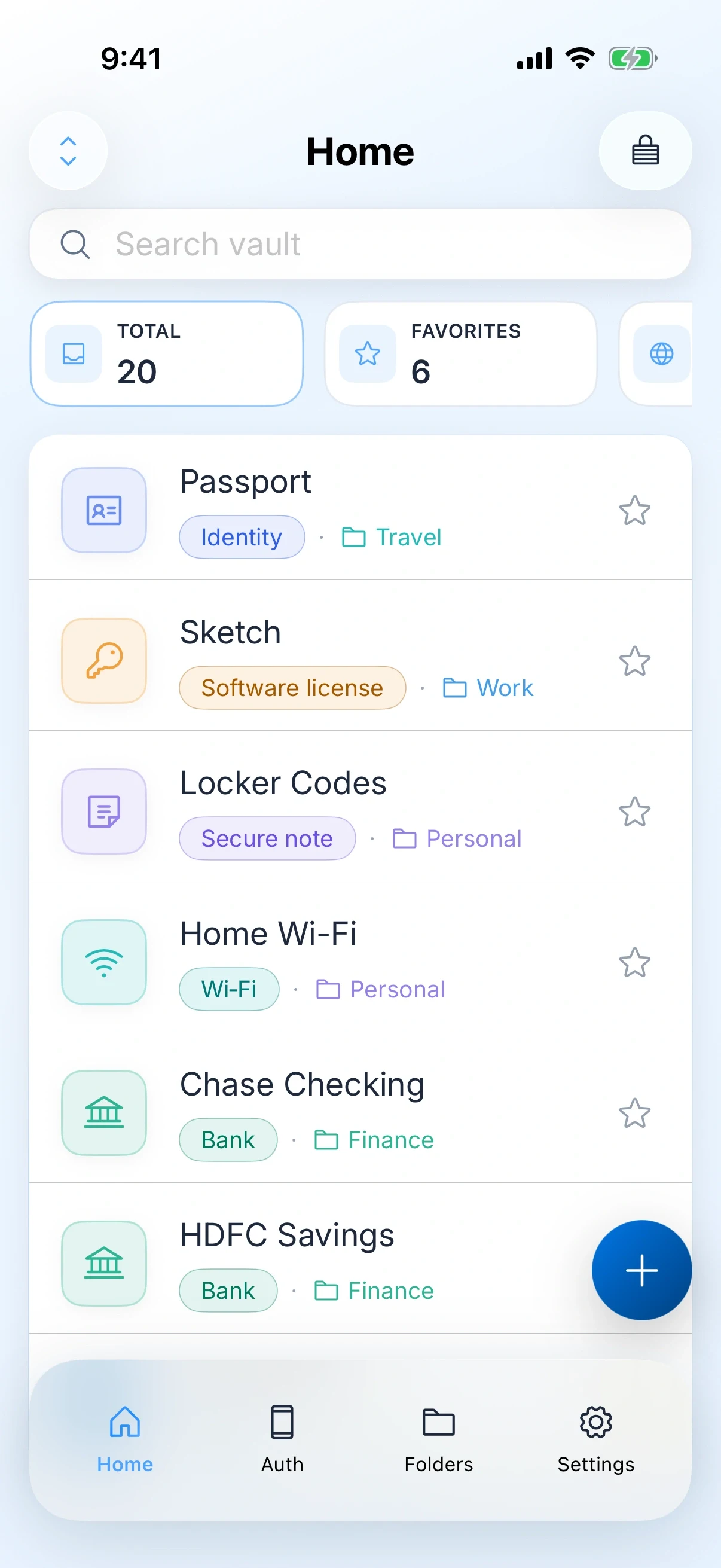
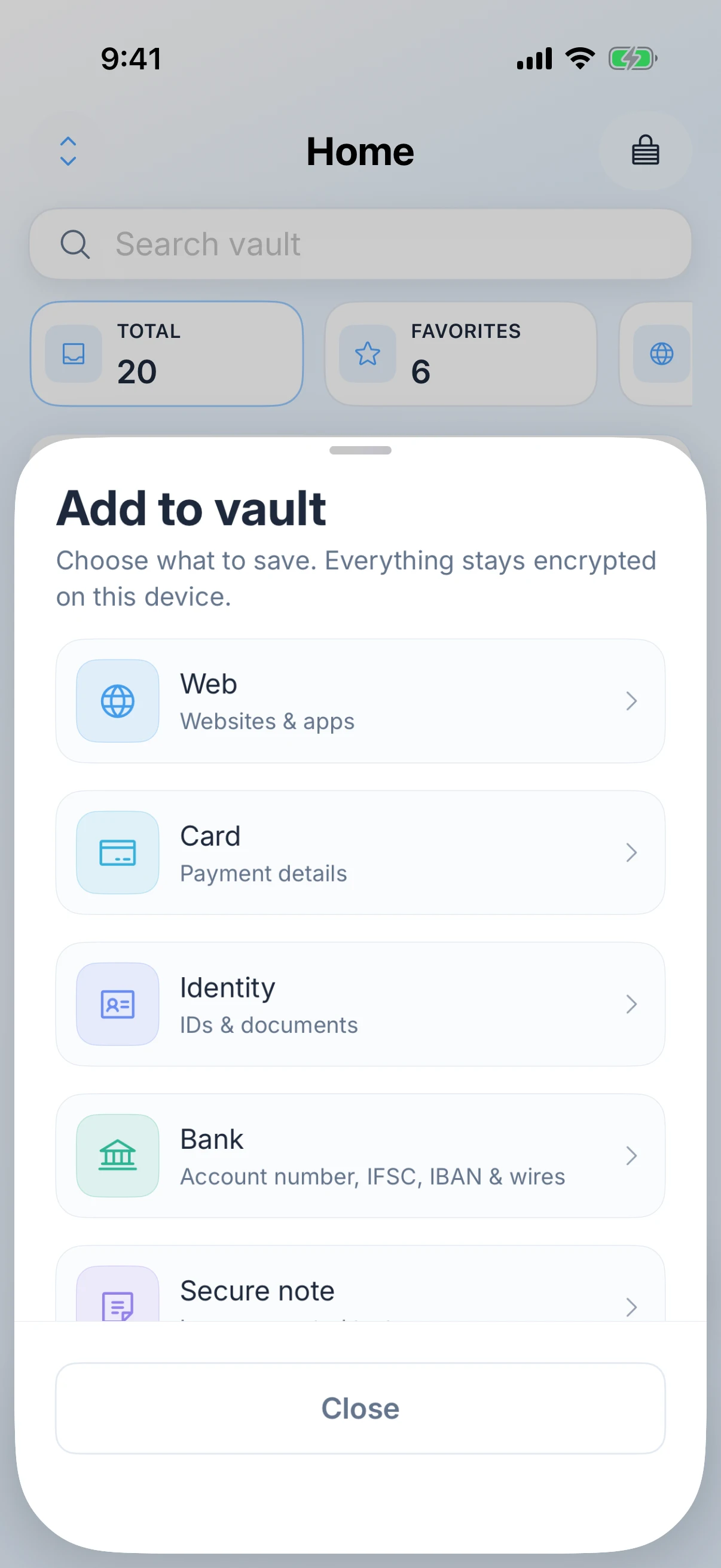
What you can storeLogins, passkeys, authenticator codes, payment cards, bank details, Wi-Fi, software licences and secure notesLogins, notes, cards, identities and aliases
AutoFillAutoFill for logins, one-time codes and passkeys in Safari and other apps, on iPhone, iPad and Mac, plus save-password promptsAutoFill on mobile, plus browser extensions on desktop
Email aliasesNoneHide my email aliases, included free
SharingNone. A personal vault onlyVault and item sharing
If you forget the master passwordNobody can reset your master password, including us, because we never receive it. You get a printable recovery key instead, or social recovery split across people you trustRecovery through your Proton account
Free planFree for up to five active items, then Zen Premium for unlimited items. Apple shows the price and the billing terms before you buy.Unlimited logins, notes and cards, on unlimited devices

Facts about Proton Pass were checked on against their own site. Products change, so check theirs before you decide.

the handover

What switching actually involves

Under an hour, and there is one order of operations that matters. Read the last two steps before you start, because aliases are the part people get wrong.

01

You will need a computer for this, not your phone

Proton Pass cannot export from its mobile apps. The export lives in the settings, under the Export tab, in the web app or the browser extension. So even though you are moving to an iPhone app, the first step happens on a Mac.

02

Export as CSV

Proton offers a PGP encrypted ZIP, a plain ZIP, and CSV. Choose CSV, because that is what an import can read. It is your whole vault in readable text, so keep it on the machine, out of any synced folder, and plan to delete it the same day.

03

Import into Zen Passwords

Settings, then Import from other app, then the generic CSV source. A preview shows the row counts and anything that will be skipped before a single item is written.

04

Move your aliases to real addresses first

Hide my email aliases are a Proton feature and they do not come with you. They keep working only while that Proton account does. Go through the sites you gave an alias to and change each one to an address you will still have, before you touch the account. This is the step that turns a tidy switch into a lost login six months later.

05

Set up a way back in, then close nothing yet

Save a printable recovery key, or set up social recovery across people you trust, because nobody here can reset your master password. Then leave the Proton account alone until every alias is moved and you have opened a few logins from the new vault. Delete the CSV when you are done.

questions

Zen Passwords and Proton Pass

Proton Pass is free, open source and audited. Why would I switch?

For most people, you should not, and the head to head on this site says so. The narrow case is this: every device you own is an Apple one, and you care most about what a single guess against a stolen file costs. That is the ground we win on, and it is not wide.

Is bcrypt bad?

No. It is a respected password hashing function and it is not broken. It was designed in 1999 to be slow, before graphics cards were the thing doing the guessing. Argon2id was designed to be slow and to need a lot of memory, and memory is the part a cracking rig cannot cheaply add.

You are not audited and Proton is. Does that not settle it?

For a lot of people it does, and we would rather say so plainly than argue around it. Zen Passwords is closed source and has had no independent security audit, so every claim on this page about our own product is currently our word. Proton has code anyone can read and an audit by Cure53.

Do I lose my hide my email aliases?

Yes. We have nothing like them. If you rely on aliases, either stay with Proton Pass or move each one to a real address before you go, and keep the Proton account until you have.

Which one actually wins?

Proton Pass does, five rounds to three with two draws, on our own scoring. We publish that rather than hide it. What we win are the round about the key itself and the round about who holds the file.

Can I use it on my work Windows machine?

No. Zen Passwords runs on iPhone, iPad and Mac. Proton Pass covers Windows, Android and Linux, and if you need those it is the better tool.

Get the app

Zen Passwords

A private vault for logins, cards, bank details, codes and notes on iPhone, iPad and Mac. Free for up to five active items.

Download on the App Store
keep comparing

Other ways people arrive here

alternative

1Password

No account, an Apple only vault, and the three cases where you should stay put.

Read the comparison
alternative

Apple Passwords

What the built-in app has nowhere to put, and how to move just that.

Read the comparison
alternative

Enpass

Two products that agree nobody should hold your vault. The difference is the key.

Read the comparison
verdict

Not decided yet?

This page assumes you are leaving Proton Pass. If you are still weighing the two up, the verdict page answers that instead.

Zen Passwords vs Proton Pass
product

Zen Passwords

Every feature, the screenshots, the privacy detail and the questions people ask most often.

Open the product page
how this page is written

Everything claimed about Zen Passwords here is what the app does today. Everything claimed about Proton Pass is limited to things that have been true of it for years, with no prices, because a price on a page nobody re-checks goes wrong in public. If you find something out of date, tell us and we will fix it.