Zen Passwords · reviewed

An Enpass alternative for Apple devices, with the same idea underneath

Enpass is the closest product on the market to this one, and it got the hardest decision right, the same one we did: no vendor server, your vault in storage you already own. If you are looking at both, you are asking the right questions. This page is about the two places they actually differ.

why people look

Why someone moves from Enpass to Zen Passwords

Fewer reasons than on the other pages, and that is honest. On the decision that matters most, these two products agree, and Enpass beats us on things we will name plainly below.

What one guess against your vault costs

Enpass derives your vault key with PBKDF2-HMAC-SHA512 at 320,000 rounds, per their own security whitepaper, with the vault sealed by SQLCipher and AES-256. That is a careful, well documented design and a high round count. It also has no memory cost at all. Ours uses Argon2id starting at 256 MB of memory per guess, and memory is the thing a rack of graphics cards cannot cheaply buy.

What happens if you forget the master password

Enpass supports a keyfile alongside your password, which is a second lock rather than a way back in. If the password itself is gone and there is no backup, so is the vault. Zen Passwords gives you a printable recovery key, or social recovery split across people you trust so a few of them together can help you back in and none of them can alone. Not holding your data does not have to mean leaving you no way into it.

An app built for three platforms rather than adapted to seven

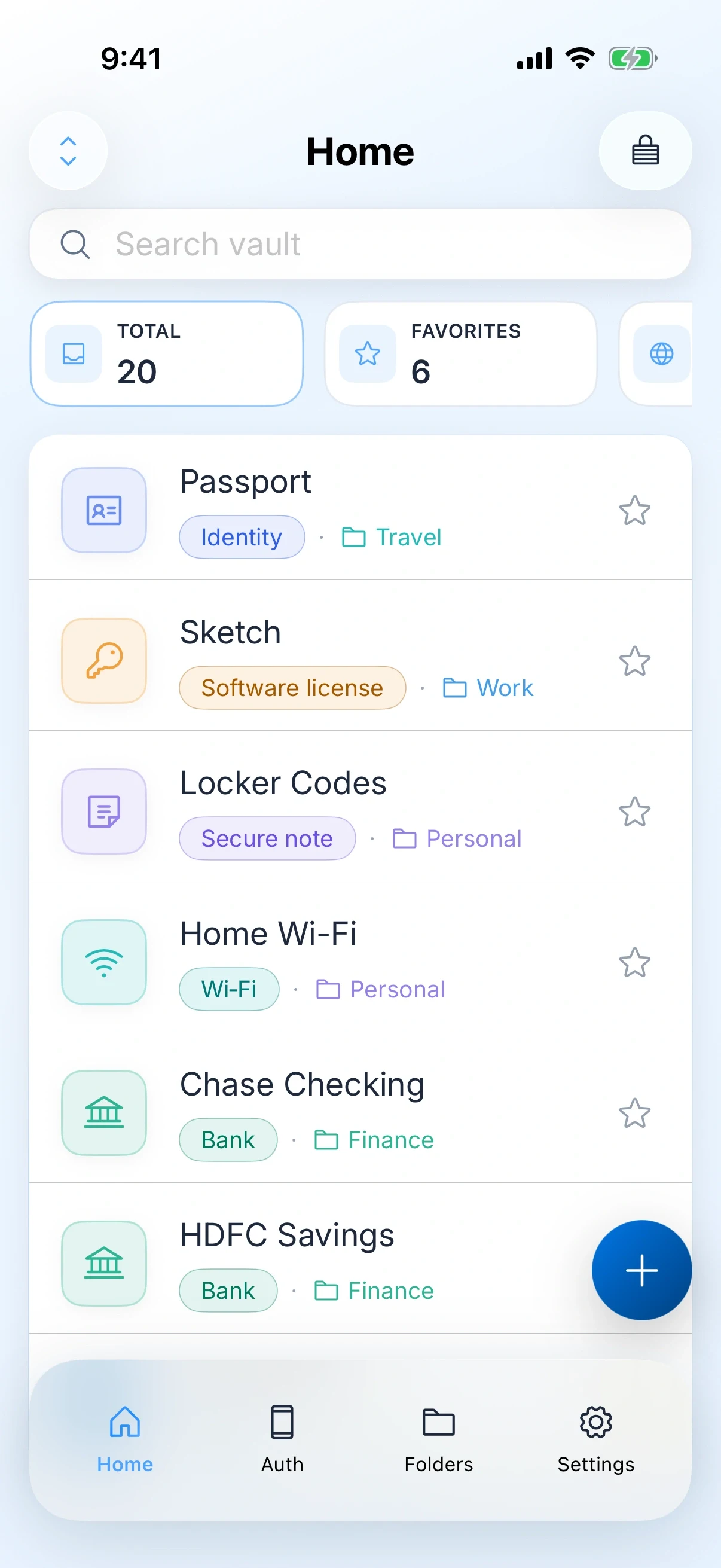
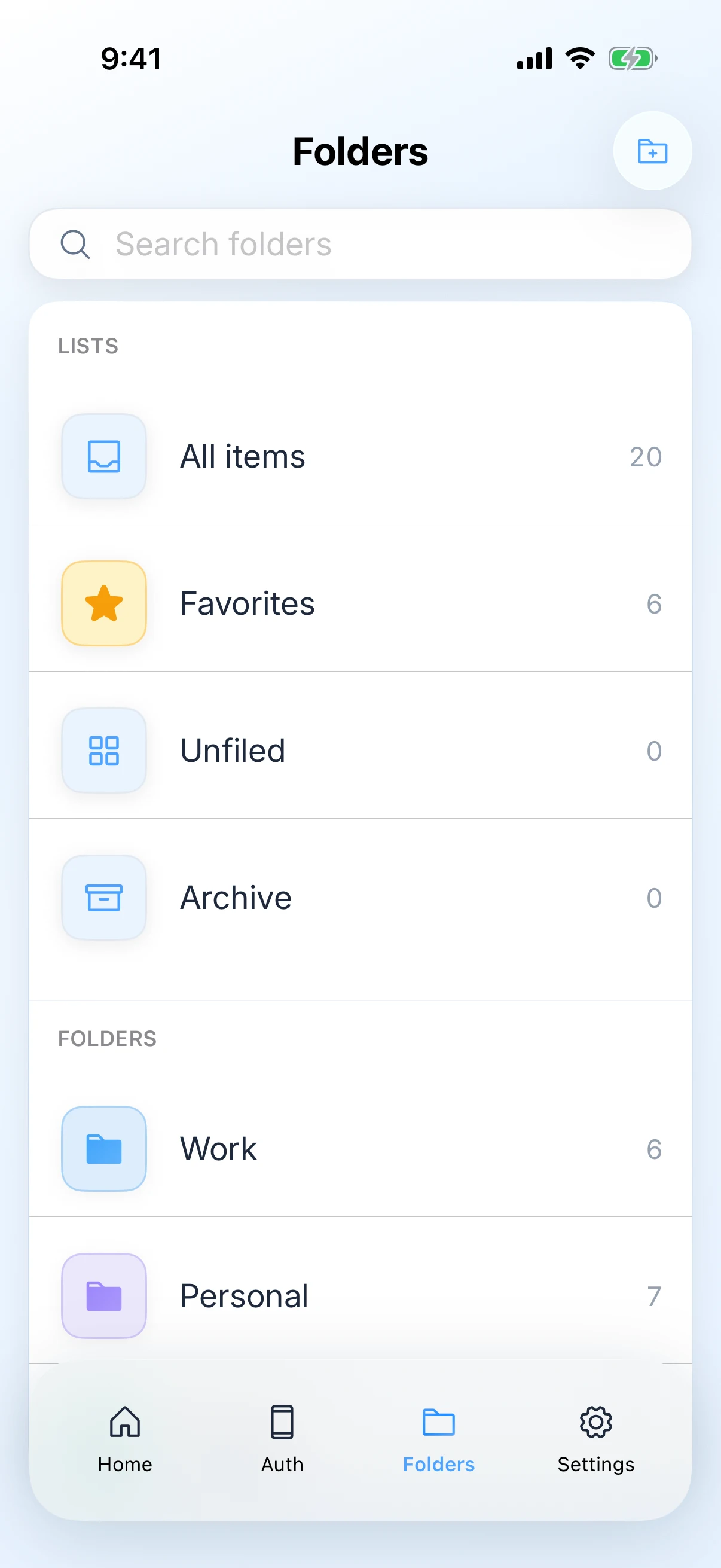
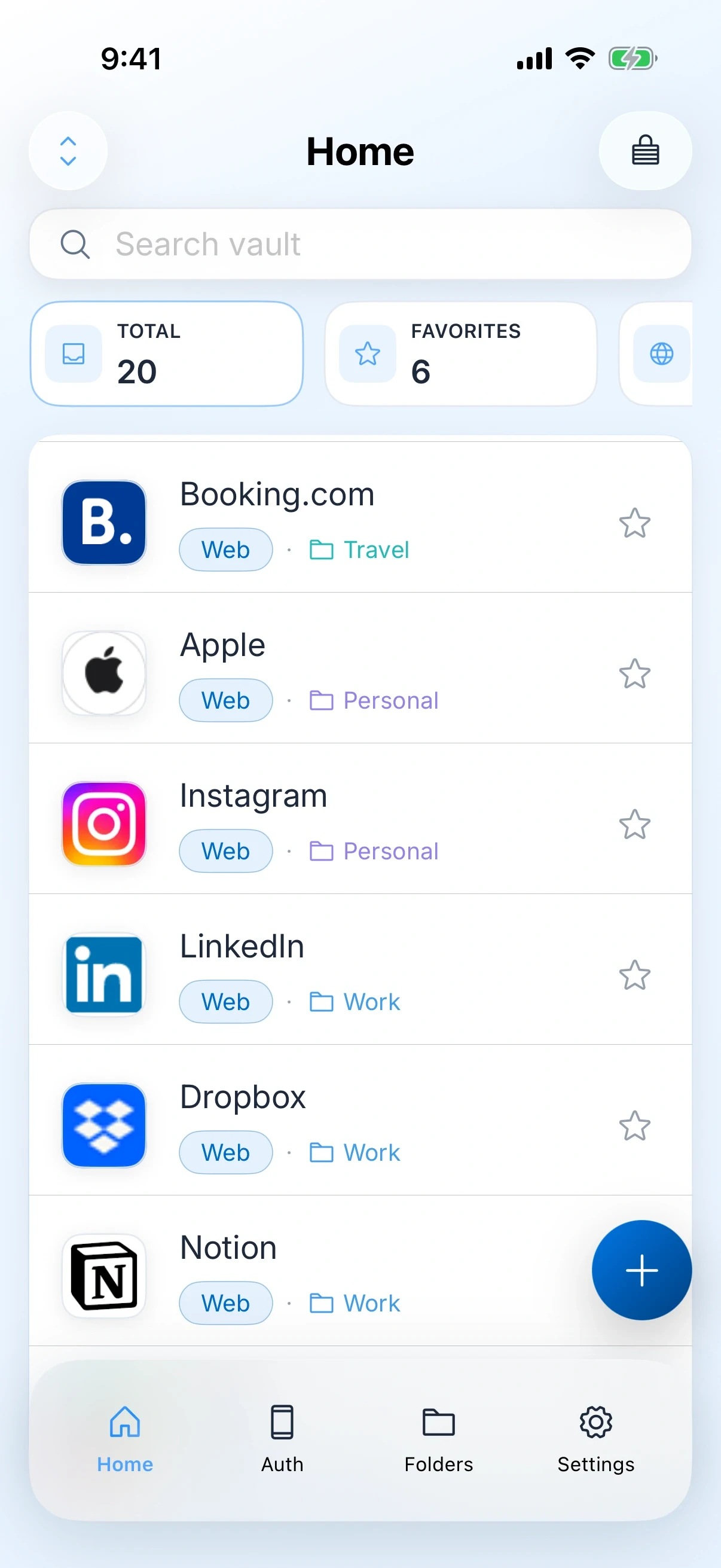
Enpass runs on Apple devices, Windows, Android and Linux, which is a real achievement and a real constraint: it cannot lean fully on any one system. Ours only has to be right on Apple devices, so it has real Mac menus, a proper sidebar, and text that relays out properly when you make it bigger.

the honest part

When you should stay with Enpass

Four reasons, and they are good ones. We scored our own head to head against Enpass and lost it, four rounds to three.

  • Anything you use runs Windows, Android or Linux. Zen Passwords is Apple only.
  • You want to choose which cloud holds the file: Dropbox, Google Drive, OneDrive, a WebDAV server of your own, or no cloud at all. We use iCloud, and only iCloud.
  • You want more free items. Enpass free holds 25 to our five.
  • You would rather buy software once than rent it. Enpass still sells a one time purchase, which almost nobody else in this category does.

If none of those decide it, the choice is between more freedom about storage and a stronger key with a way back in.

side by side

What is actually different

Zen Passwords and Enpass, side by side

What is being comparedZen PasswordsEnpass
Where it runsiPhone, iPad and MacApple devices, Windows, Android and Linux
AccountNone. You never create oneNone. There is no Enpass account either
Who holds your vaultNobody. Your own private iCloud, or the device aloneNobody. Whichever storage you point it at, or none
What one guess costs an attackerArgon2id, up to 256 MB of memory per guessPBKDF2-HMAC-SHA512 at 320,000 rounds. No memory cost source
Which cloud you can useiCloud, because we are an Apple appiCloud, Dropbox, Google Drive, OneDrive, WebDAV, or local only
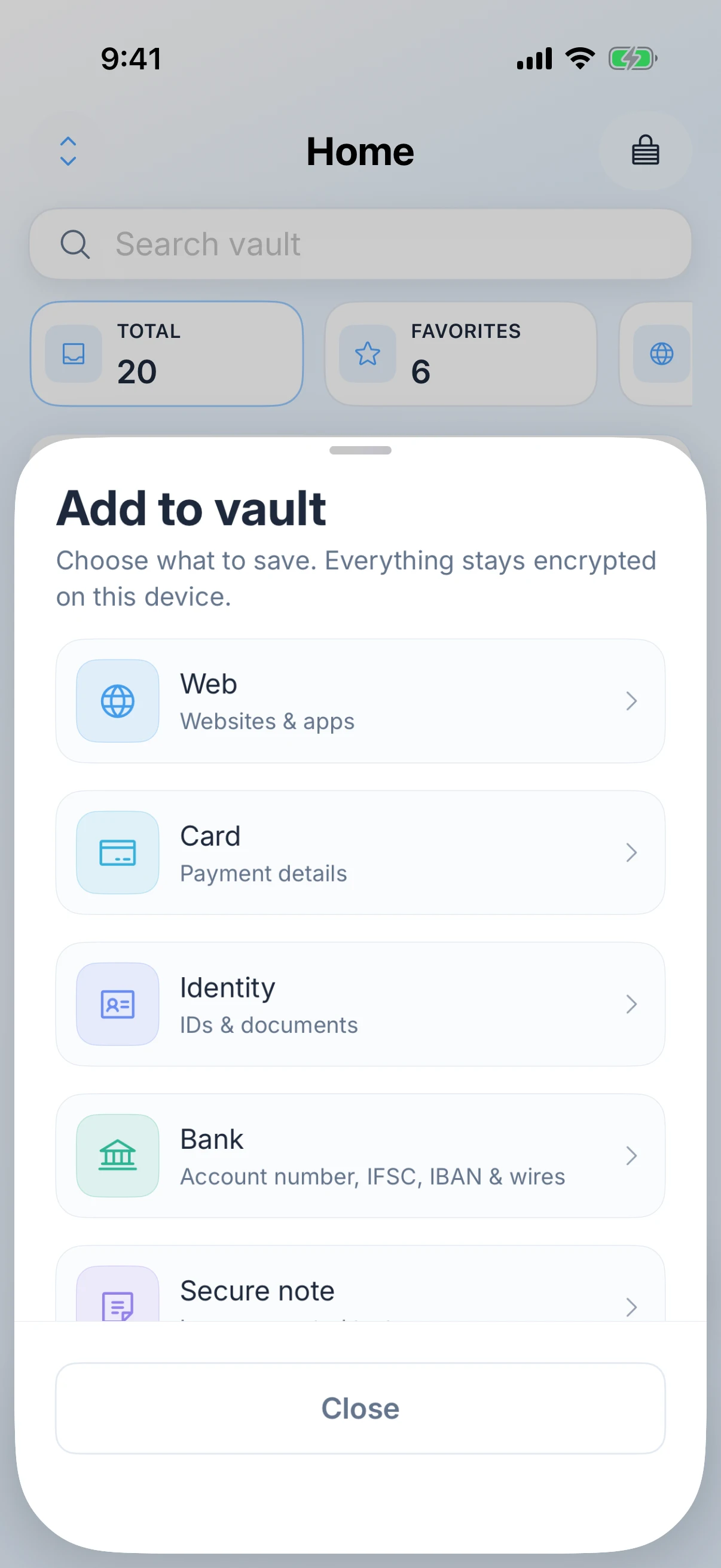
What you can storeLogins, passkeys, authenticator codes, payment cards, bank details, Wi-Fi, software licences and secure notesA large library of templates, with custom fields
AutoFillAutoFill for logins, one-time codes and passkeys in Safari and other apps, on iPhone, iPad and Mac, plus save-password promptsAutoFill on mobile, plus browser extensions on desktop
One-time codesIn the app, not a separate purchaseIn the app, not a separate purchase
If you forget the master passwordNobody can reset your master password, including us, because we never receive it. You get a printable recovery key instead, or social recovery split across people you trustA keyfile is a second lock, not a way back in
Free planFree for up to five active items, then Zen Premium for unlimited items. Apple shows the price and the billing terms before you buy.25 items, with a one time purchase available

Facts about Enpass were checked on against their own site. Products change, so check theirs before you decide.

the handover

What switching actually involves

Both products keep the vault in your own storage, so this is a file move rather than an account migration. Half an hour is plenty.

01

Export from Enpass first

Enpass exports to CSV and JSON. Either is your whole vault in readable text, so keep the file on the machine, out of any synced folder, and delete it as soon as you are done.

02

Import into Zen Passwords

Settings, then Import from other app, then the generic CSV or JSON source. A preview shows the row counts and anything that will be skipped before a single item is written.

03

Rebuild the templates that do not map

Enpass has more item templates than we do, so a few of the more unusual ones arrive as notes with their fields intact. Open those and move the values into the closest kind of item while the old vault is still there to compare against.

04

Set up the way back in that Enpass did not give you

Save a printable recovery key, or set up social recovery across people you trust. This is the main thing you gain in the move, so do it on the day rather than meaning to.

05

Decide what happens to the old file

Your Enpass vault lives in your own storage, so nothing expires on its own. Delete the vault file and the export deliberately, or you will have left a full copy of your logins in a Dropbox folder you have stopped thinking about.

questions

Zen Passwords and Enpass

Is PBKDF2 at 320,000 rounds bad?

No. It is a careful setting and Enpass documents it openly, which is more than most of this category manages. It simply costs an attacker time and not memory. Argon2id costs both, and memory is the part a cracking rig cannot cheaply buy.

If neither of you holds my vault, what is the real difference?

Two things. What one guess against the file costs, and what happens if you forget the password. We use a memory hard method and give you a printable recovery key with the option of trusted people who can help. A keyfile does not help if the password itself is gone.

Can I keep using Dropbox for sync?

No. Zen Passwords syncs through your own private iCloud, on your Apple ID, or keeps the vault on the device. If choosing your own cloud is why you use Enpass, that is a genuine reason to stay.

Which one actually wins?

On our own scoring of a ten round head to head, Enpass does, four rounds to three with three draws. We publish that rather than hide it. What we win are the rounds about the key itself and about getting back in.

Can I use it on my work Windows machine?

No. Zen Passwords runs on iPhone, iPad and Mac. Enpass runs on Windows, Android and Linux, and if you need those it is the better tool.

Get the app

Zen Passwords

A private vault for logins, cards, bank details, codes and notes on iPhone, iPad and Mac. Free for up to five active items.

Download on the App Store
keep comparing

Other ways people arrive here

alternative

1Password

No account, an Apple only vault, and the three cases where you should stay put.

Read the comparison
alternative

Apple Passwords

What the built-in app has nowhere to put, and how to move just that.

Read the comparison
verdict

Not decided yet?

This page assumes you are leaving Enpass. If you are still weighing the two up, the verdict page answers that instead.

Zen Passwords vs Enpass
product

Zen Passwords

Every feature, the screenshots, the privacy detail and the questions people ask most often.

Open the product page
how this page is written

Everything claimed about Zen Passwords here is what the app does today. Everything claimed about Enpass is limited to things that have been true of it for years, with no prices, because a price on a page nobody re-checks goes wrong in public. If you find something out of date, tell us and we will fix it.