Start with the Apple account, app settings and network connection. These checks can identify common setup problems; they do not rule out an app or iCloud fault.
1. Same Apple ID on both?
This is the cause more often than the other two together, and it is easy to miss on a device somebody else set up, or an older iPad signed into an account you stopped using. Two Apple IDs mean two separate vaults that will never meet.
2. Is sync on in the app on both devices?
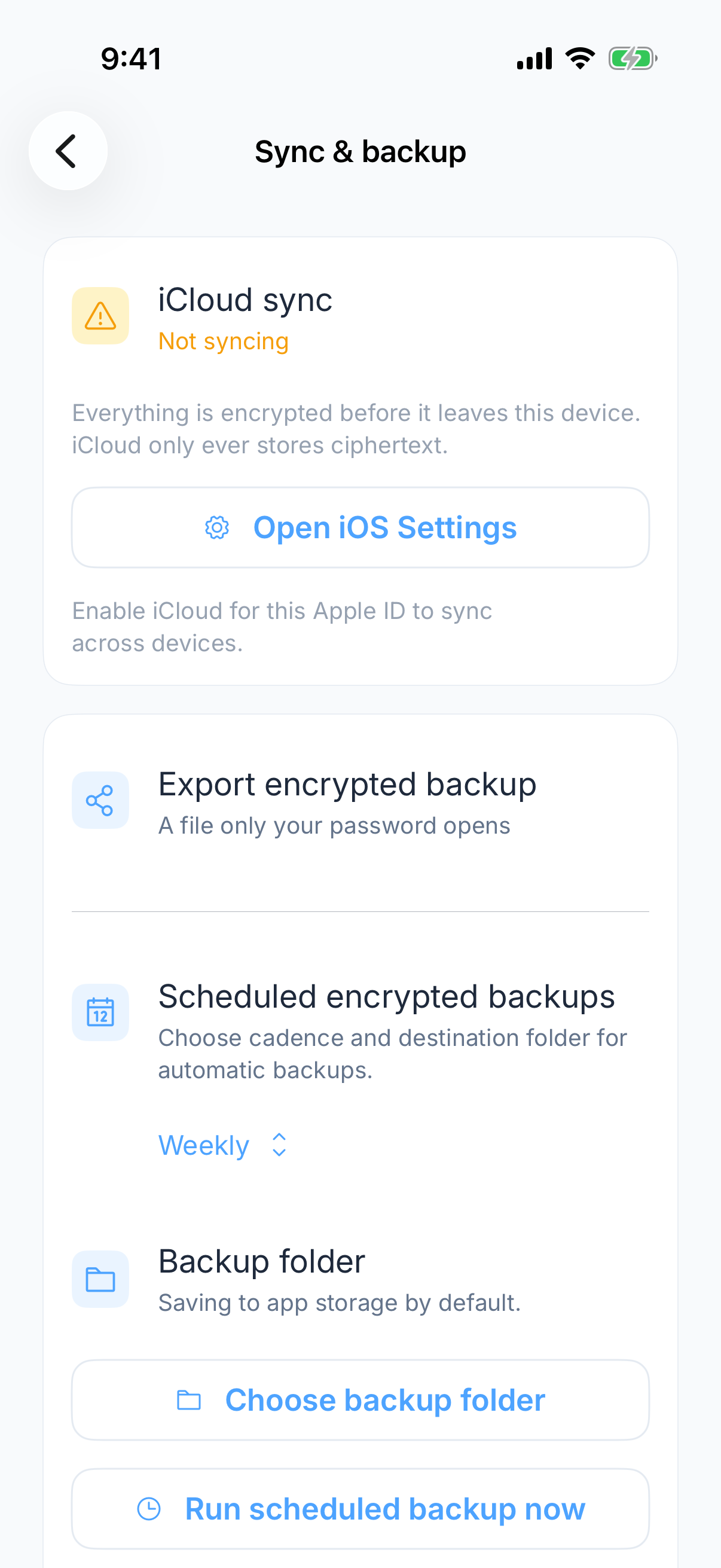
Sync is off until you turn it on, and it is a setting on each device rather than something that travels with the vault. A new device is a device with sync off.
3. Has it had a connection?
The app works offline, which means changes made on a plane sit on the device until it reconnects. Open the app with a connection and give it a moment. On a large vault the first pass after a long gap is not instant.
If those checks do not resolve it
Keep the device with the latest copy intact. Contact support with the device models, app versions, which device is behind and when you noticed the difference. Do not send vault contents, passwords or recovery material. Make an encrypted backup before trying any step that removes local data.