
Our own estimate, explained in full at the end of the article. Not a substitute for independent testing, which we are pursuing.
Every password manager makes you a promise: keep your passwords, cards and private notes somewhere only you can reach. We keep that promise the same way most do, with strong encryption. But we started asking a harder question. Not is it encrypted, but what happens if the file gets out anyway.
Files get out. A backup synced to the wrong folder. An old laptop sold without a full wipe. A drive that ends up somewhere it should not. It does not take a sophisticated attack, just bad luck. So we designed for that day specifically, instead of assuming it will never come.
What a backup file reveals, and what it does not
Open a Zen Passwords backup in a text editor and you will find a JSON file. Some of it is readable: how many items you have, what folders you have made, when you last touched something. Bookkeeping, essentially, the kind of thing you would see through the frosted glass of a locked cabinet.
The part that matters, every password, every note, every one-time code, is not readable. It is sealed, individually, with AES-256-GCM, an authenticated encryption standard. That much has never changed.
What did change
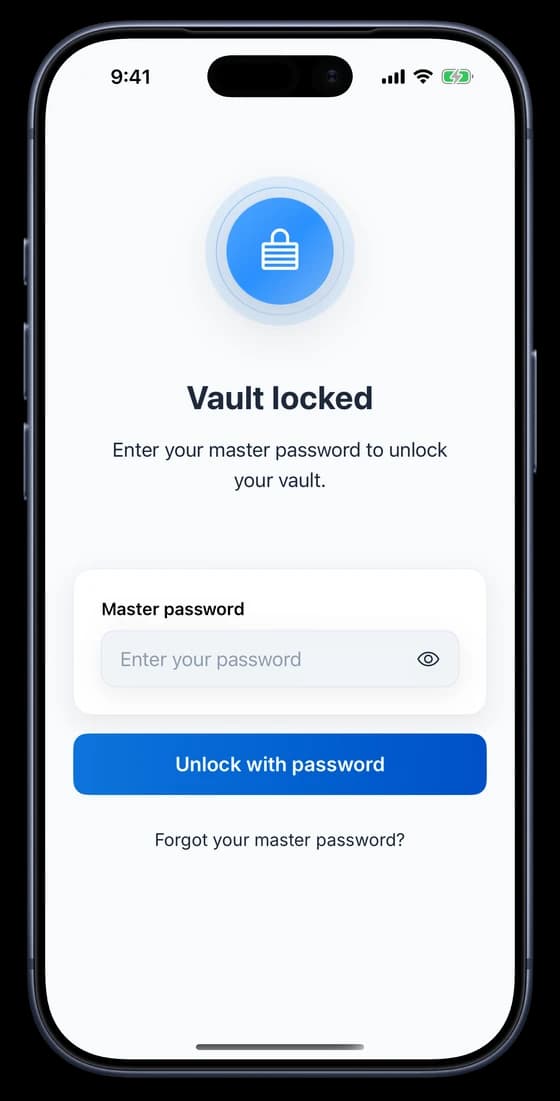
What changed is what it takes to unseal that file. Until August 2026, one secret did the job: your master password. Strong password, strong protection. Weak or reused password, and the protection was only ever as good as that one choice, no matter how good the encryption underneath it was.
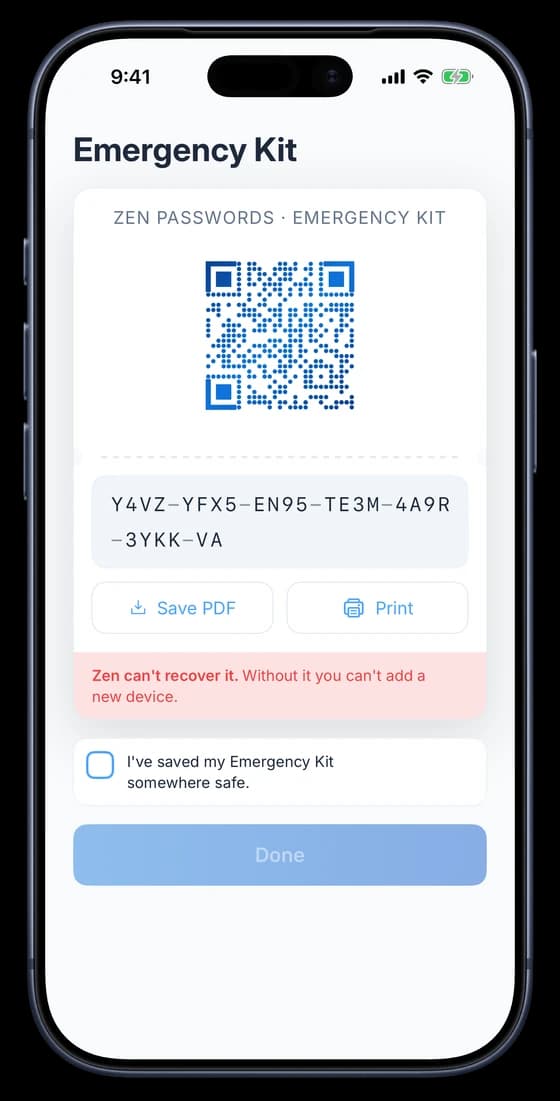
We did not think that was good enough, so we added a second lock. Now a stolen backup needs your password and a Secret Key, a code generated on your device once, printed on a card we call your Emergency Kit, and never seen, stored or transmitted by us.
Old vault, new vault
Scroll sideways to compare every column.
What it takes to open a stolen backup
| Your vault | Opens a stolen backup with | Is a weak password alone enough? |
|---|---|---|
| Created before August 2026, or Secret Key never turned on | Your master password | Possibly, given enough time and a determined attacker |
| Created after August 2026, with Secret Key on | Your master password and your Secret Key | No, the Secret Key alone stops it |
If your vault predates the change, nothing about your data is any less encrypted than it was yesterday. What is different is how much weight rests on your password alone. A long, unique passphrase still holds up well against any realistic attack. A short or common one is the thing worth fixing today, and turning on your Secret Key is the fastest way to stop worrying about it at all.
How we arrived at these numbers
We would rather show our work than ask you to take this on faith. Item content is sealed with AES-256-GCM. The wrapped key needed to unseal it travels inside the backup file alongside the ciphertext, the same way it is stored on your device.
Passwords are not hashed once and stored. They run through Argon2id, a memory-hard function designed to resist GPU cracking by making every guess expensive in both time and memory rather than time alone. Our tiers use between 32 and 256 mebibytes of memory per attempt, chosen automatically to fit roughly a second on your particular device.
These figures are our own analysis of our own implementation, current as of writing. They are offered for transparency and are not a substitute for an independent review, which we have not yet had. Corrections and questions are welcome at hello@zenproducts.ai.
The companion piece, why even we cannot open your vault, covers how the two secrets are combined and what it would take to break the design.
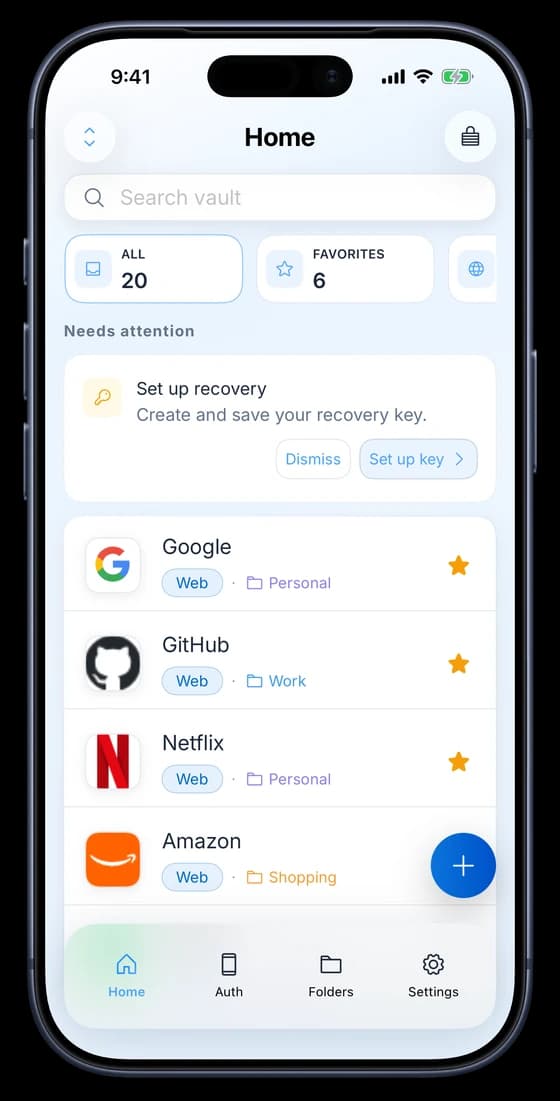
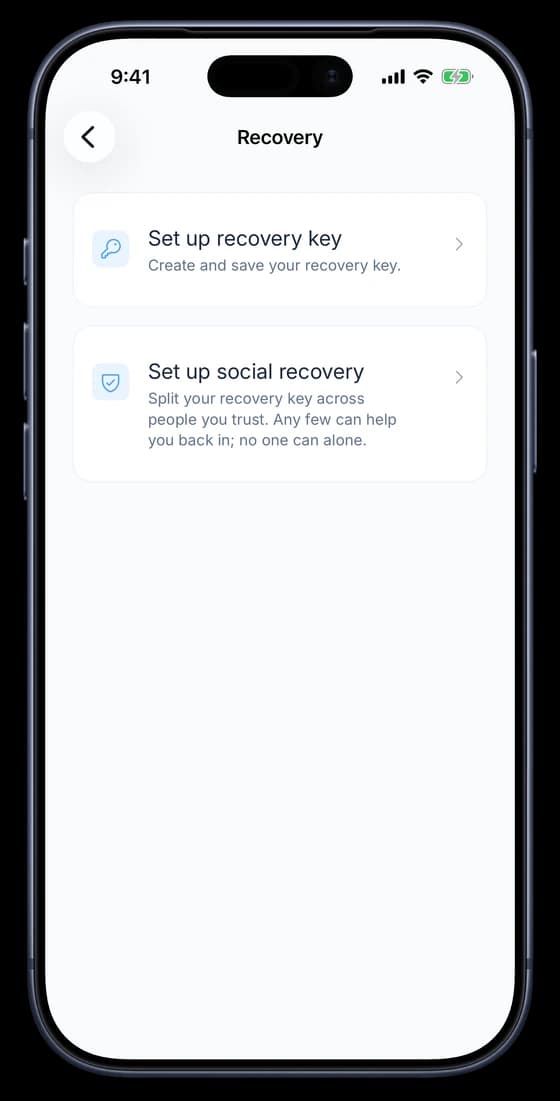
Check your recovery path
The storage choice and the recovery plan are separate. Follow iCloud sync setup if you want the vault on another device. If the copies do not match, use sync troubleshooting. For a forgotten master password, read the recovery guide before deleting or reinstalling anything.
