This is the article to act on rather than read. Everything else in this section can wait; this one cannot be done after the fact, because generating a recovery key requires being able to open the vault.
Keeping the key yourself
Generate the key
The app produces it and shows it to you once. It is written to be read back by a human: the characters people confuse, like the letter O and the digit zero, are left out of the alphabet it uses.
Put it somewhere physical
Printed and in a drawer, or written down and kept with your important documents. Storing it in the vault it unlocks is the one place it must not go, and storing it in a note on the same phone is nearly as bad.
Tell one other person where it is
Not what it says. Where it is. A recovery key nobody can find is the same as no recovery key.
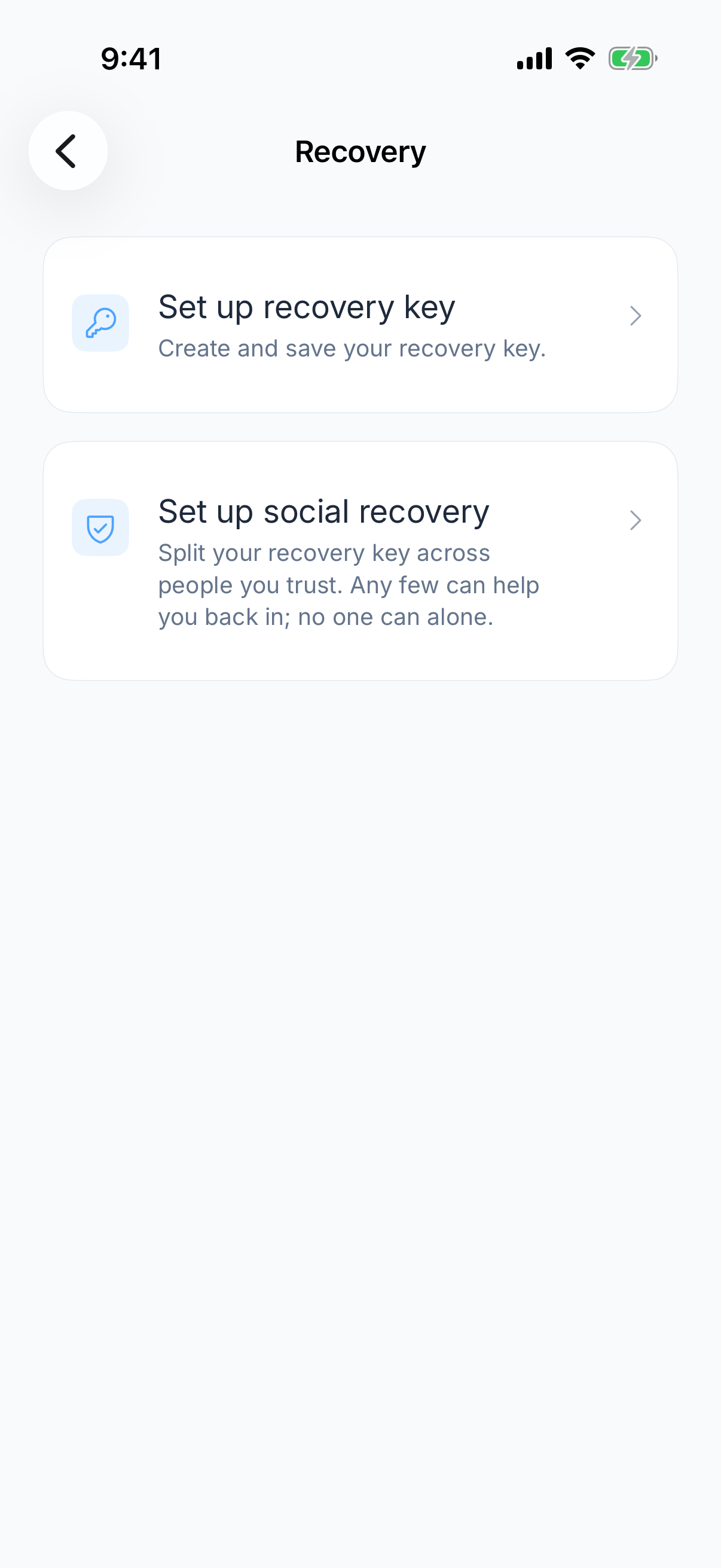
Social recovery
Instead of one piece of paper, the key is split across several people you trust, and a number of them have to bring their parts together to reconstruct it. No single person can open your vault, including the one you trust most, and losing touch with one of them does not lock you out.
It suits people who are more worried about losing a piece of paper than about the people in their life, which is most people. It costs a conversation with each of them, which is the reason it gets put off.
Check the recovery plan without locking yourself out
Confirm that the saved key is legible and can be found without opening this vault. For social recovery, confirm that enough contacts can locate their shares. Do not erase a working vault merely to rehearse recovery. If you have already lost access, use the master-password recovery guide.