There is no console anyone can look into
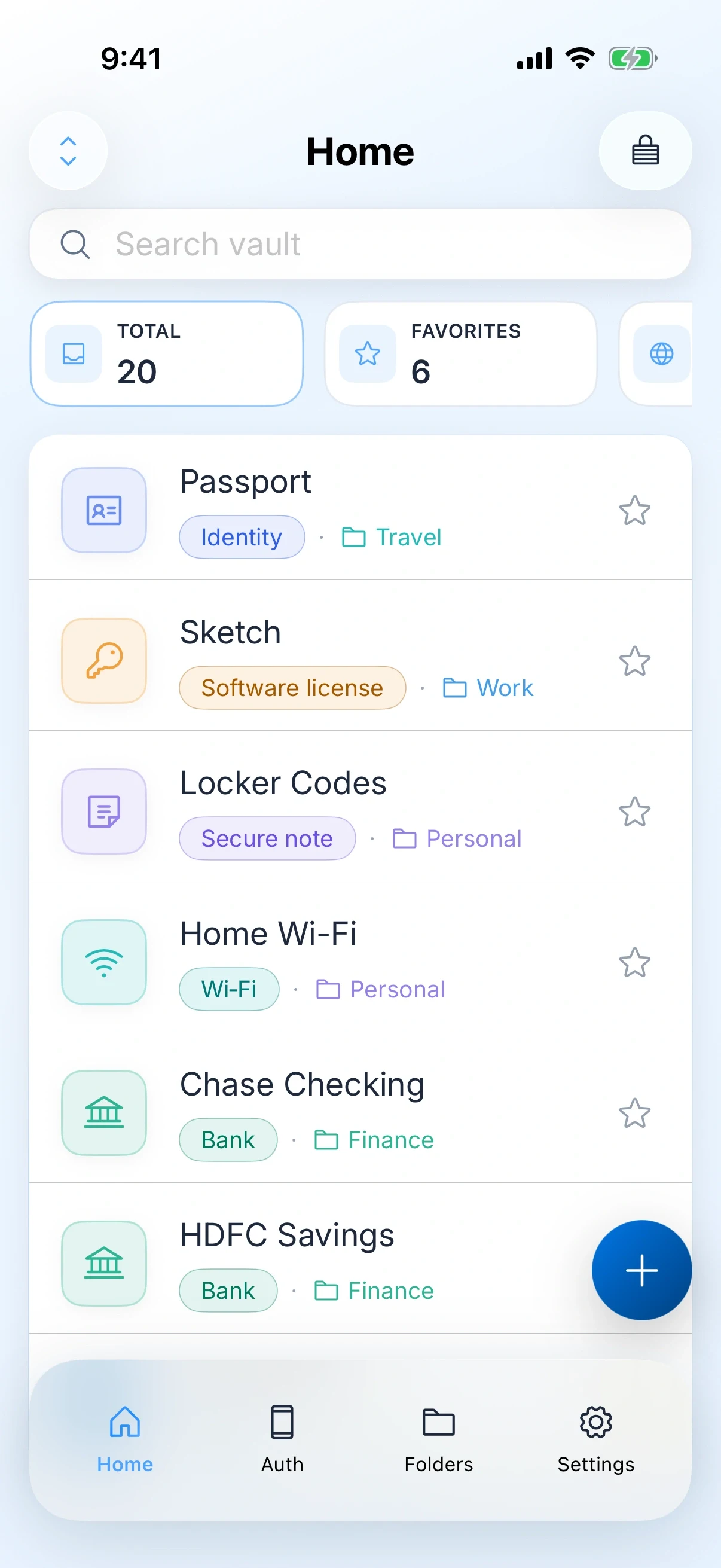
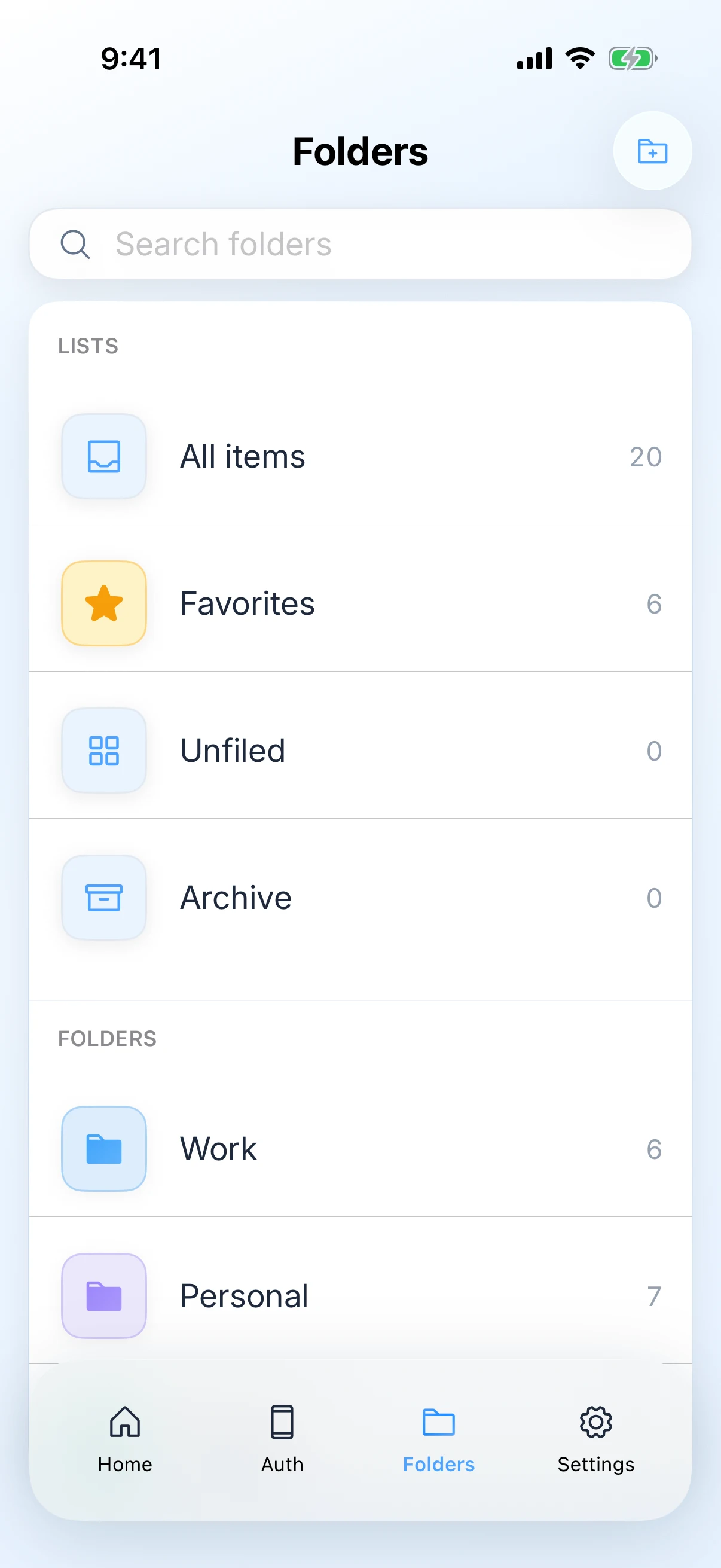
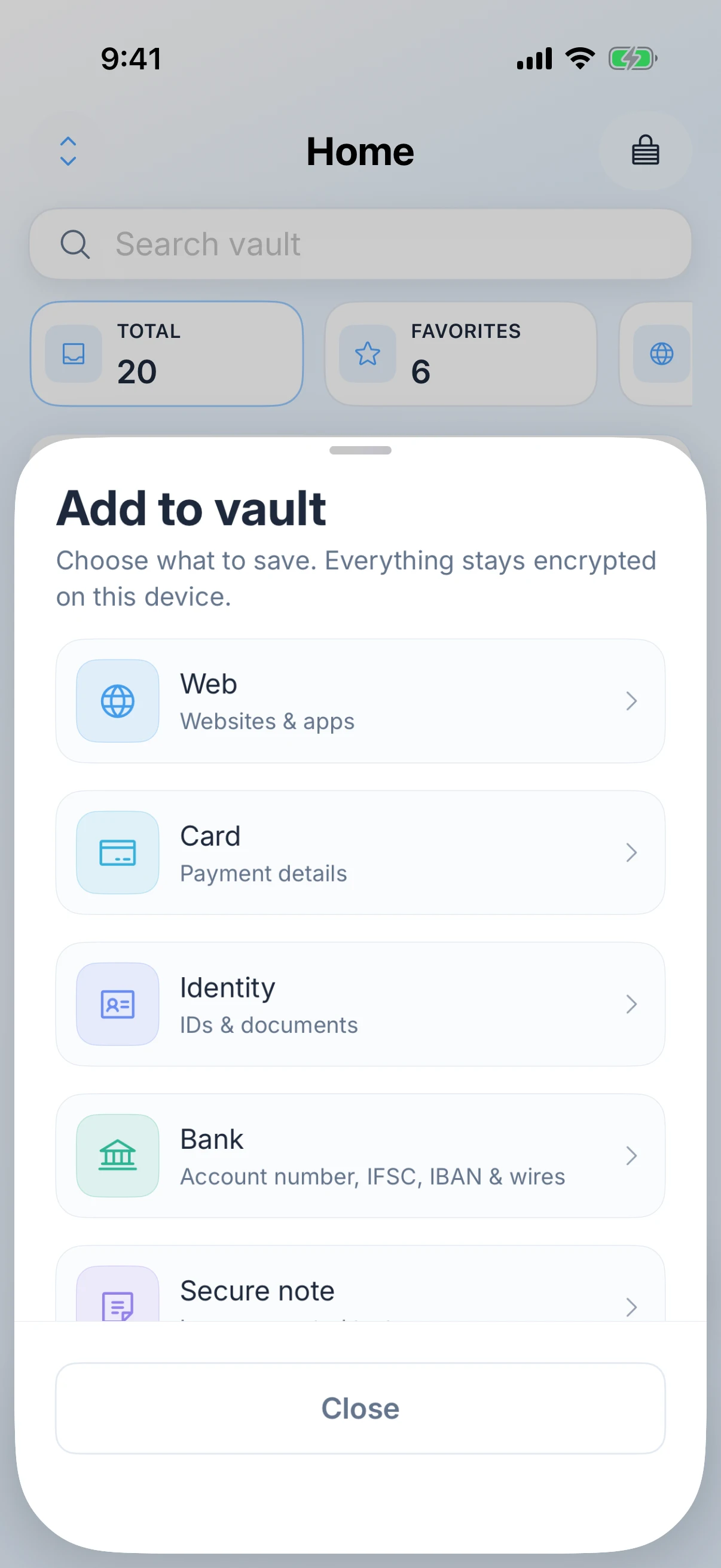
Zen Passwords has no organization account or admin console. That does not guarantee privacy on a managed or compromised device. Keep personal credentials on a device you control and follow workplace policy.
Your professional memberships and personal accounts can outlast a job. Zen Passwords is a personal vault for those credentials on your Apple devices. Company accounts have different ownership and recovery requirements; follow your employer’s policy before moving them.
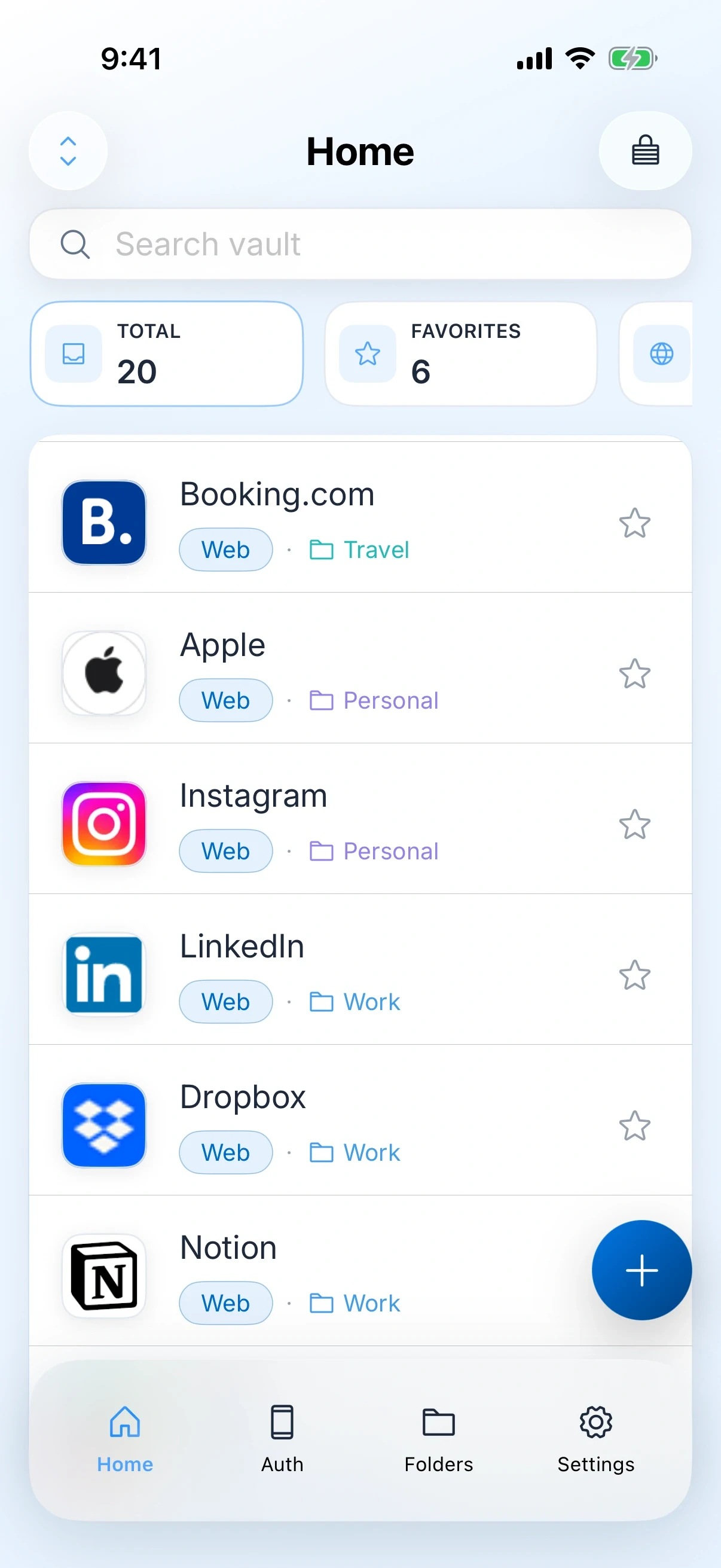
This happens in well run companies as much as badly run ones. It is a gap, not a failure.
This is a description of what the app does, not advice about your employment.
Zen Passwords has no organization account or admin console. That does not guarantee privacy on a managed or compromised device. Keep personal credentials on a device you control and follow workplace policy.
Your own payroll login, your health cover, the card you expense on, your professional registrations. These are yours, they are work adjacent, and they do not belong in a company system.
The authenticator lives in the vault, so a work login that needs a code does not depend on a second app on a phone you may or may not be carrying.
When you move on, your vault moves with you and nothing of yours stays behind on a company system. There is nothing for anyone to deprovision, because there was never a seat.
The vault is stored locally, with optional encrypted sync through your Apple account. An employer may restrict personal iCloud on managed devices; check before enabling it.
Enough to put the handful of logins you actually use daily in and find out whether the AutoFill works in your company’s single sign-on before deciding anything.
A personal vault at work has a boundary, and being clear about it is more useful than pretending it does not exist.
The clean version of this is a personal vault for the things that are genuinely yours, alongside whatever the company runs for the things that are genuinely theirs.
The work is deciding what belongs to you, not moving passwords about.
Payroll, benefits, your professional bodies, anything you would keep after leaving: yours. The production console and the shared inbox: theirs. Only the first list belongs here.
Some employers require company credentials to live in a company system. This takes one message to ask and saves a genuinely awkward conversation later.
The ones tied to you as a person rather than to the role. They are the ones that cause the most trouble when you change jobs and lose the company login.
For personal accounts only. Company second factors usually belong in whatever the company manages, for the same reason the passwords do.
Through your own Apple ID. If your work Mac is managed by the company, think about whether you want your personal vault on it at all.
There is no Zen organization account or admin console for an employer to use. That is not a guarantee against device management, monitoring or access to an unlocked device. Check your workplace’s device and credential policies.
Not as a managed deployment. There is no admin console, no seat management and no shared vaults. Everyone would have their own separate personal vault, which suits some organisations and is the wrong shape for others.
That depends on your employer, not on the app. Many companies require credentials for company systems to live in a company managed tool. Worth asking before you migrate rather than after.
Anything in your vault stays with you, because the vault is on your devices. That is why the useful split is personal accounts here and company accounts wherever the company keeps them.
Your own work logins, in a vault with no console for anyone to look into.
Client logins and your own business details, on your devices, with nothing shared.
Read itPassports, cards and codes in a vault that opens in aeroplane mode.
Read itMirrored glass mode, front-camera takes and an editor for trimming the result.
Read itKnow the runtime before you walk on, and keep the talk off a server.
Read it