It opens with no network at all
The vault is on the device and decrypted there. Aeroplane mode is the honest test of any manager and this one passes it, because there is nothing to fetch.
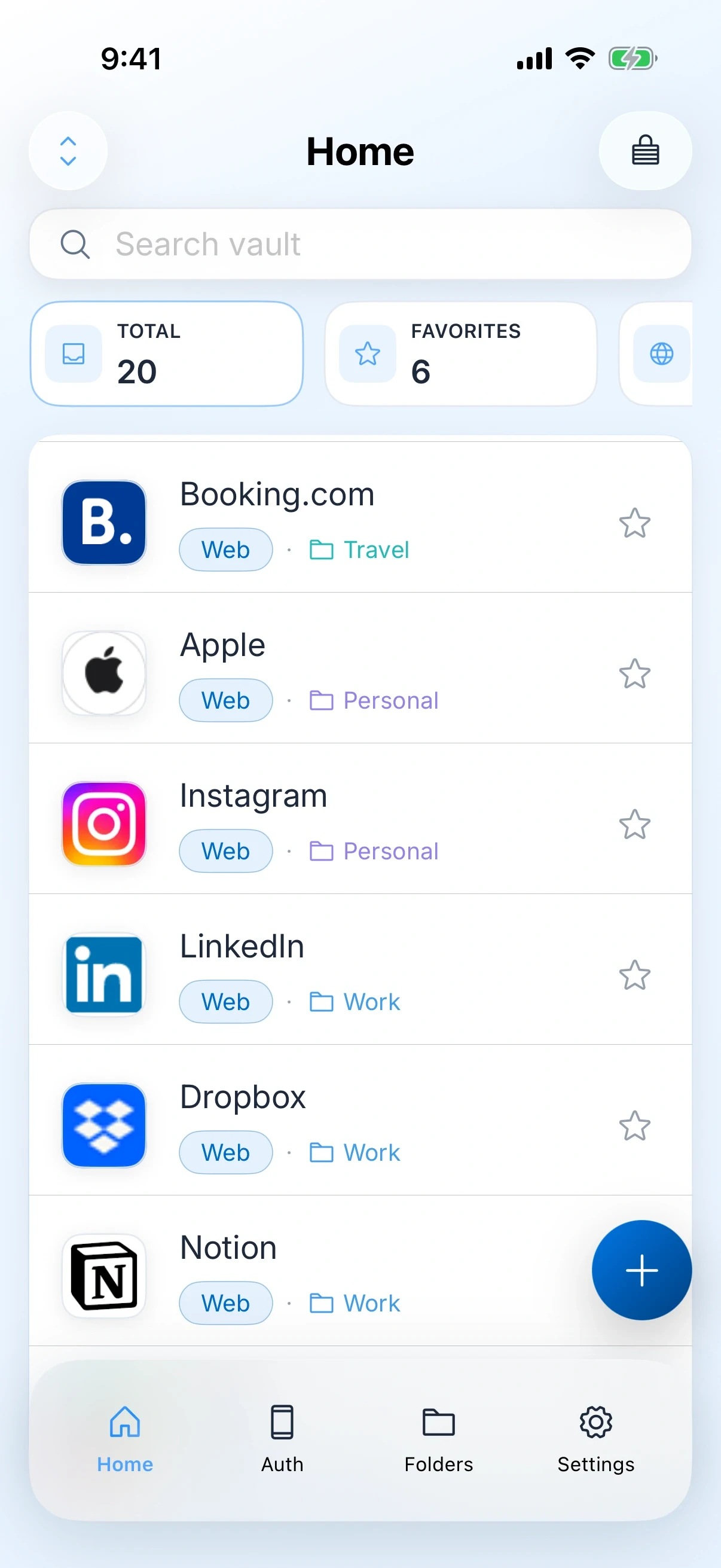
Travel is where a password manager either proves itself or fails in the least convenient place available. Zen Passwords keeps the vault on the device, so an aeroplane, a foreign SIM or a hotel network that blocks half the internet changes nothing.
Every one of these is ordinary. None of them requires anybody to be attacked.
Each of these is behaviour the app has today.
The vault is on the device and decrypted there. Aeroplane mode is the honest test of any manager and this one passes it, because there is nothing to fetch.
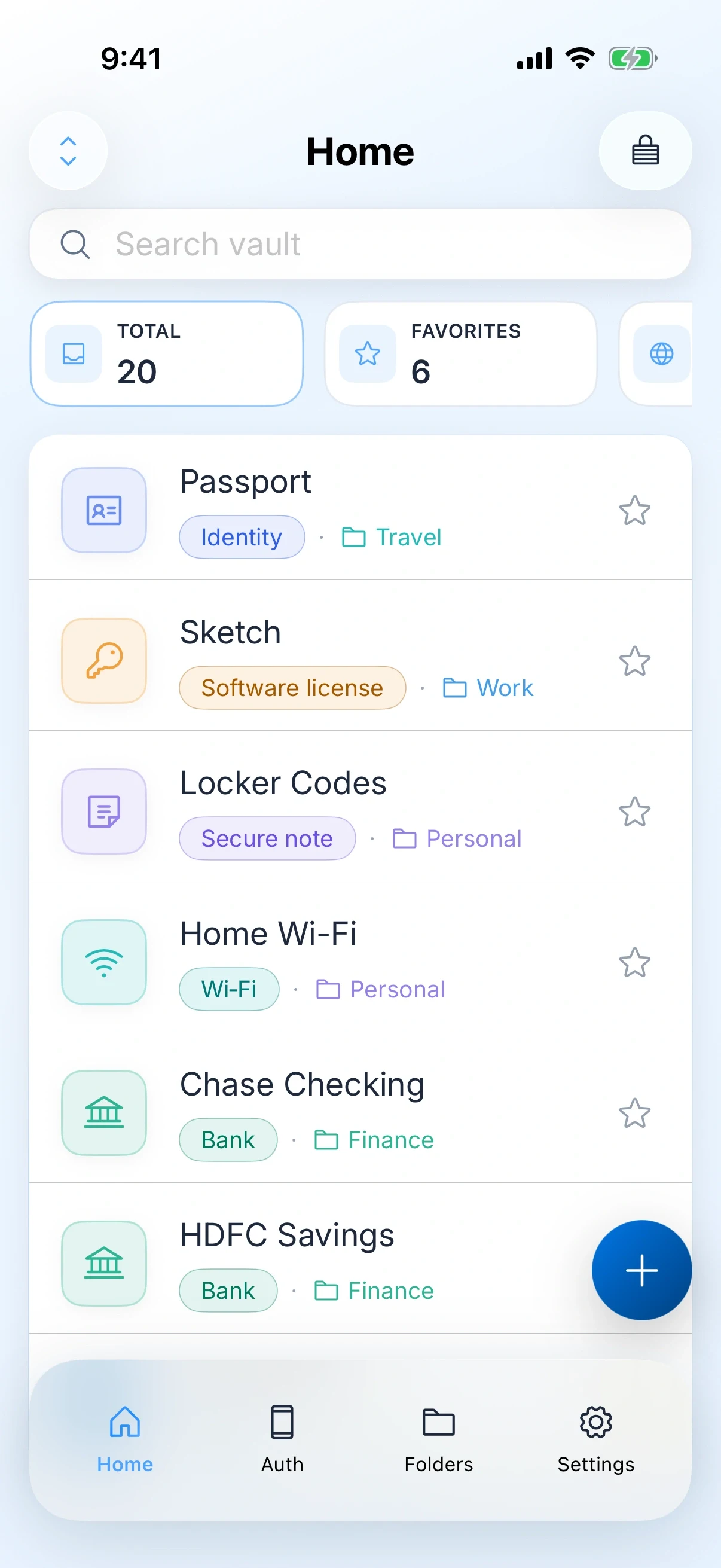
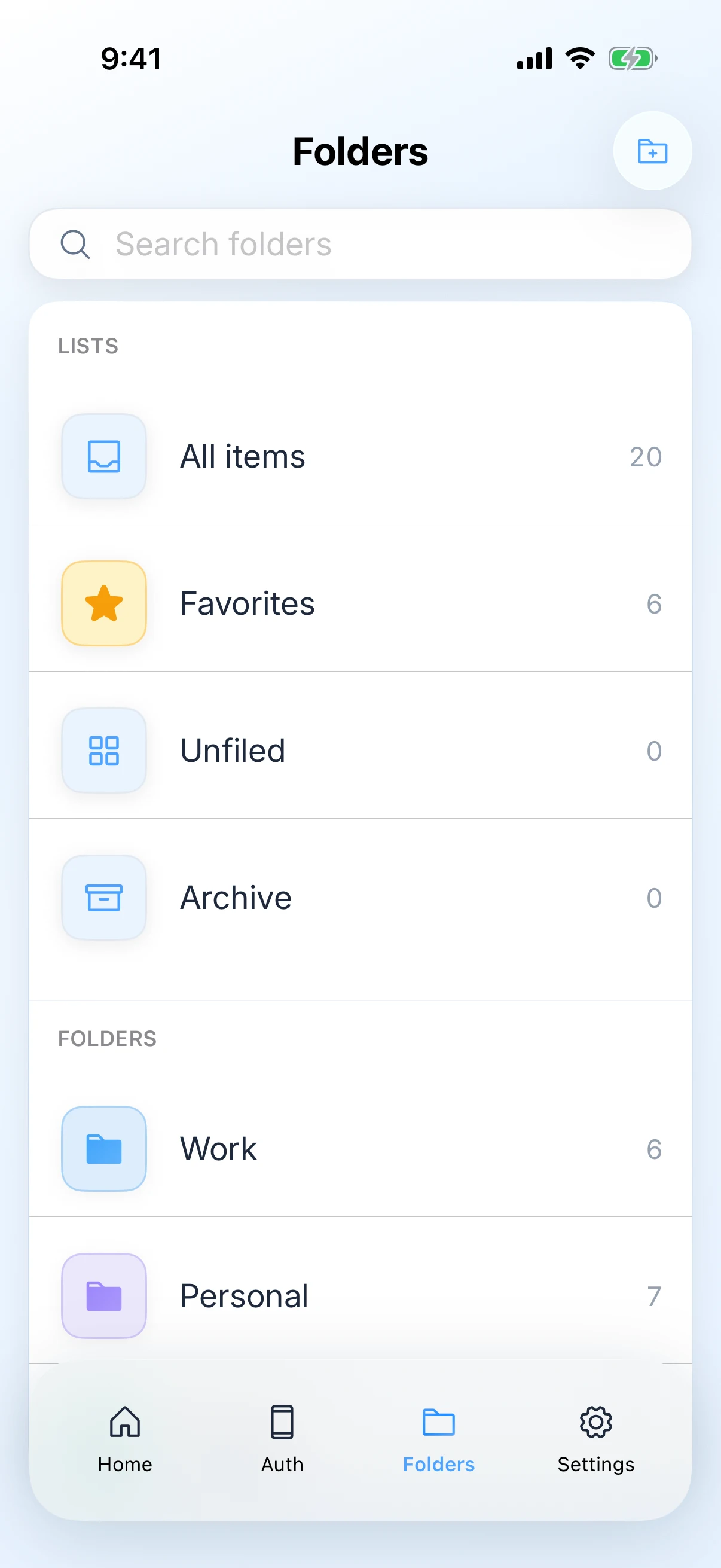
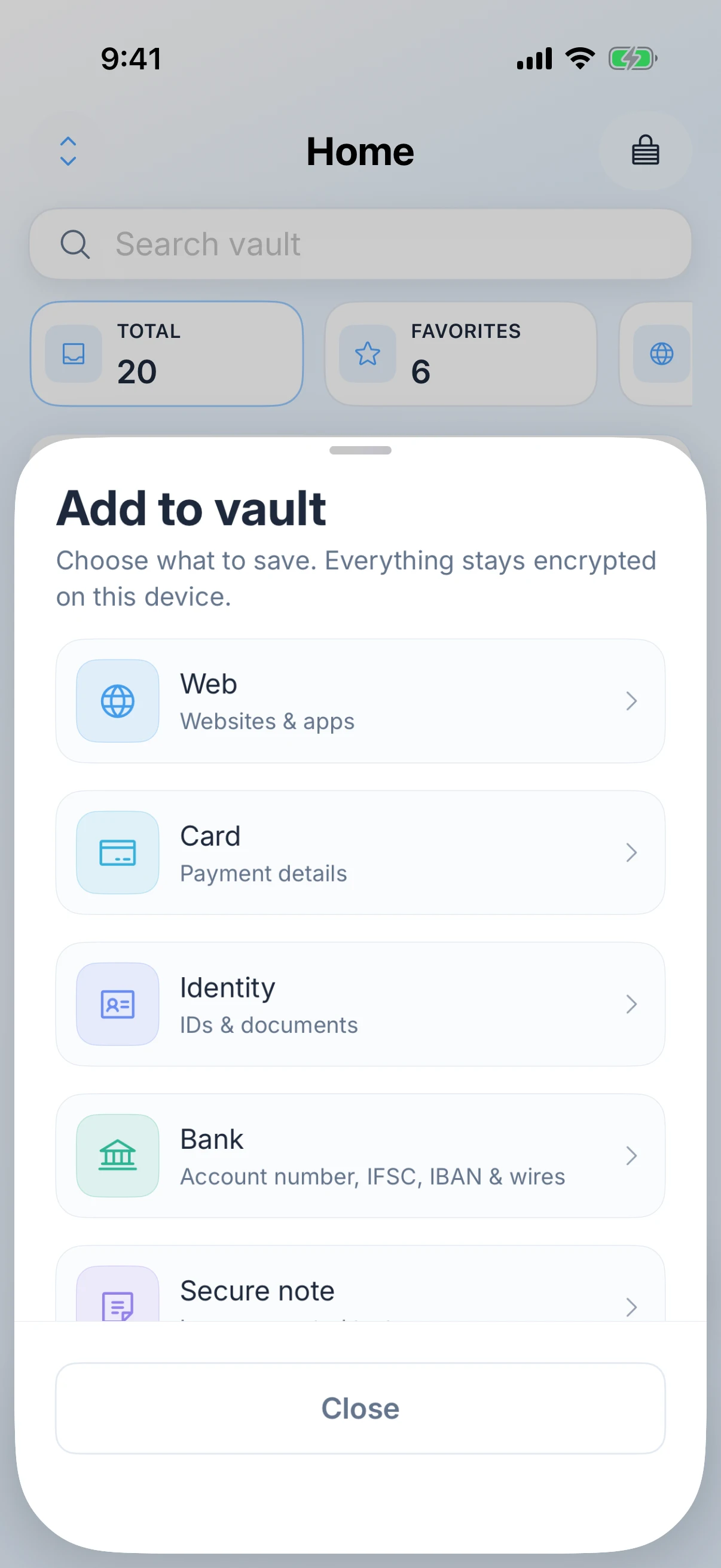
Passport and identity details, cards with the numbers you actually need at a desk, and secure notes for the things that do not fit a form. Not just website logins.
The authenticator lives in the same vault, so a login that needs a code does not depend on a second device you may have left behind or a text message to a number that does not roam.
There is no ZenProducts account, so there is no login screen to type a master password into over a network you have never seen before. You unlock the local vault instead.
Optional sync through your own Apple ID means the same vault is on the machine you took as a backup, without a vendor account in between.
Face ID or Touch ID for convenience, with the master password still the thing that actually holds the key. Useful when you are unlocking it at a desk with people behind you.
Offline first is a real trade and travelling is where the cost of it shows up.
The mitigation is unglamorous and takes five minutes: turn sync on before you leave, or make one encrypted export and confirm you can open it.
Done once, this is the difference between an inconvenience and a ruined day.
Passport number and expiry, any visa reference, the driving licence you will hire a car with. These are the ones you get asked for while standing up.
Both cards, and the bank’s international phone number as a secure note. A blocked card abroad is common and the number is always inside the app you cannot reach.
Not at the airport. Moving an authenticator requires access to the accounts, which is exactly what you will not have if something goes wrong later.
One of the two, so a lost phone is an inconvenience. This is the step people skip and the only one that matters if the phone goes.
Switch the network off and open the vault. If it opens on your sofa it will open on the plane, and you will have found out on a day when it does not matter.
Yes. The vault is stored and decrypted on the device, so it opens in aeroplane mode, on a foreign network, or with no signal at all. Sync is the only part that needs a connection and it is optional.
No. There is no web version and no browser login, which is deliberate: it also means there is no login page anywhere for someone to phish. Take a device you trust.
If sync was on, the vault is on your other Apple devices under your own Apple ID. If it was not, and you have no export, the vault is gone and nobody can recover it, including us.
Yes, as an identity item, alongside cards and secure notes. It stays encrypted on the device rather than sitting in your camera roll.
Passports, cards and codes in a vault that opens in aeroplane mode.
Client logins and your own business details, on your devices, with nothing shared.
Read itYour own work logins, in a vault with no console for anyone to look into.
Read itMirrored glass mode, front-camera takes and an editor for trimming the result.
Read itKnow the runtime before you walk on, and keep the talk off a server.
Read it