Explore apps
Zen Passwords · reviewed

A password manager for freelancers who work alone

Working for yourself means holding other people’s logins alongside your own, and holding the parts of your own business nobody else ever sees. Zen Passwords is built for exactly one person and their own devices, which is the shape most freelancing actually has.

the situation

What a year of freelancing does to your credentials

Nobody sets out to keep client access in a notes app. It happens because the work arrives faster than the filing does.

  • A client sends a login over email or chat, and it stays there because moving it is a job for later.
  • Your own business details, the bank account, the tax registration, the accountant portal, live in a different place from client work and get found by searching your inbox.
  • Card details end up typed from a photo of the card, because the vault only held website logins.
  • When a project ends nobody revokes anything, so access accumulates quietly for years.
why this one

Why this one suits working alone

Everything below is a thing Zen Passwords does today, not a roadmap.

It holds the business, not only the logins

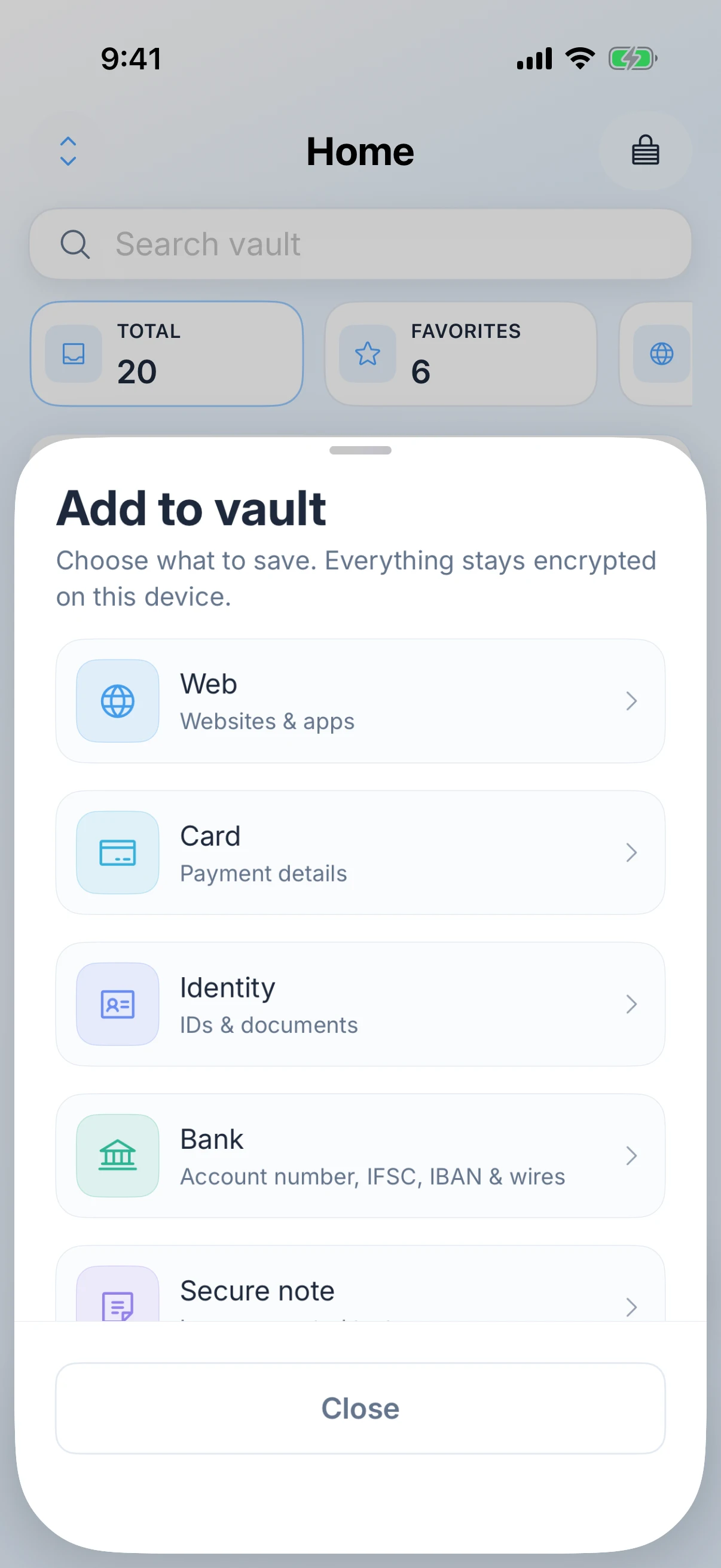
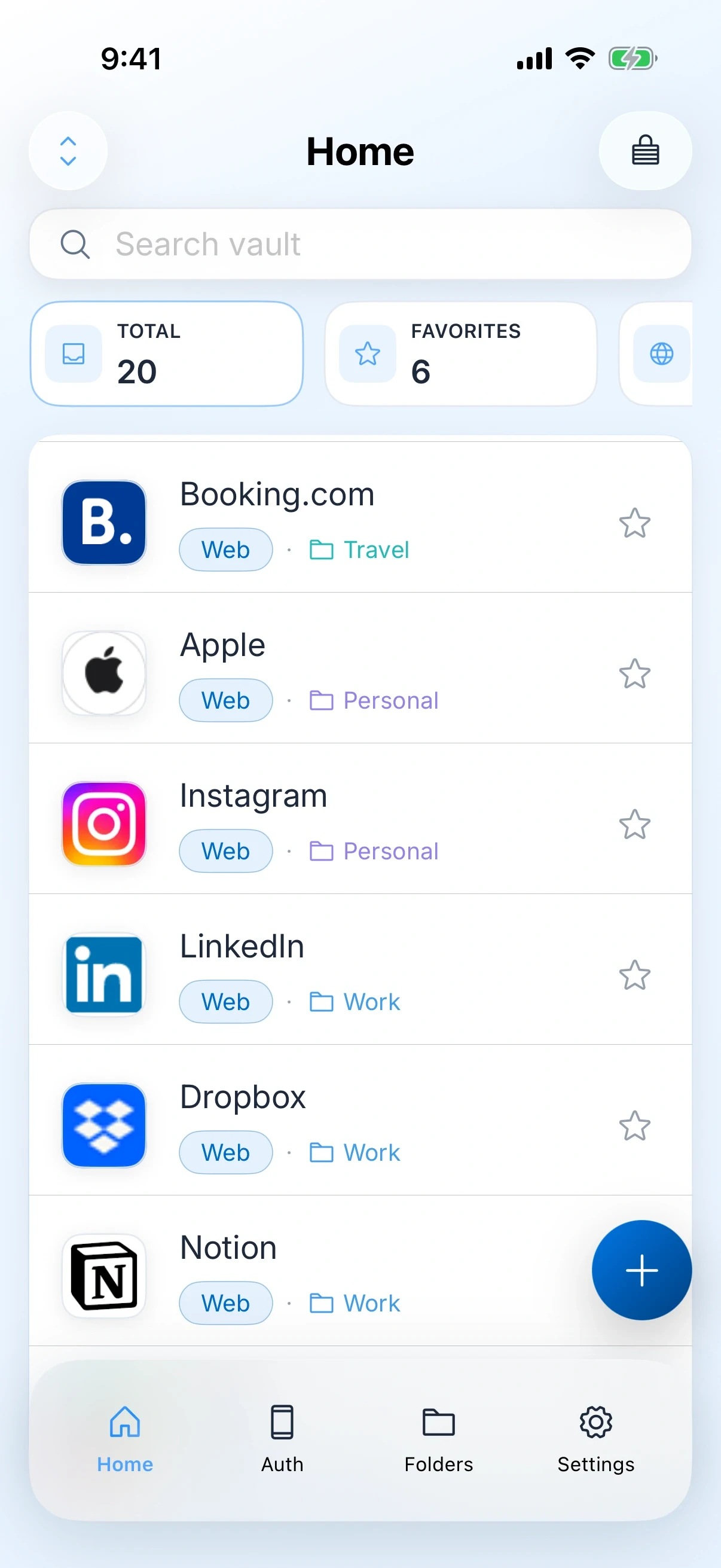
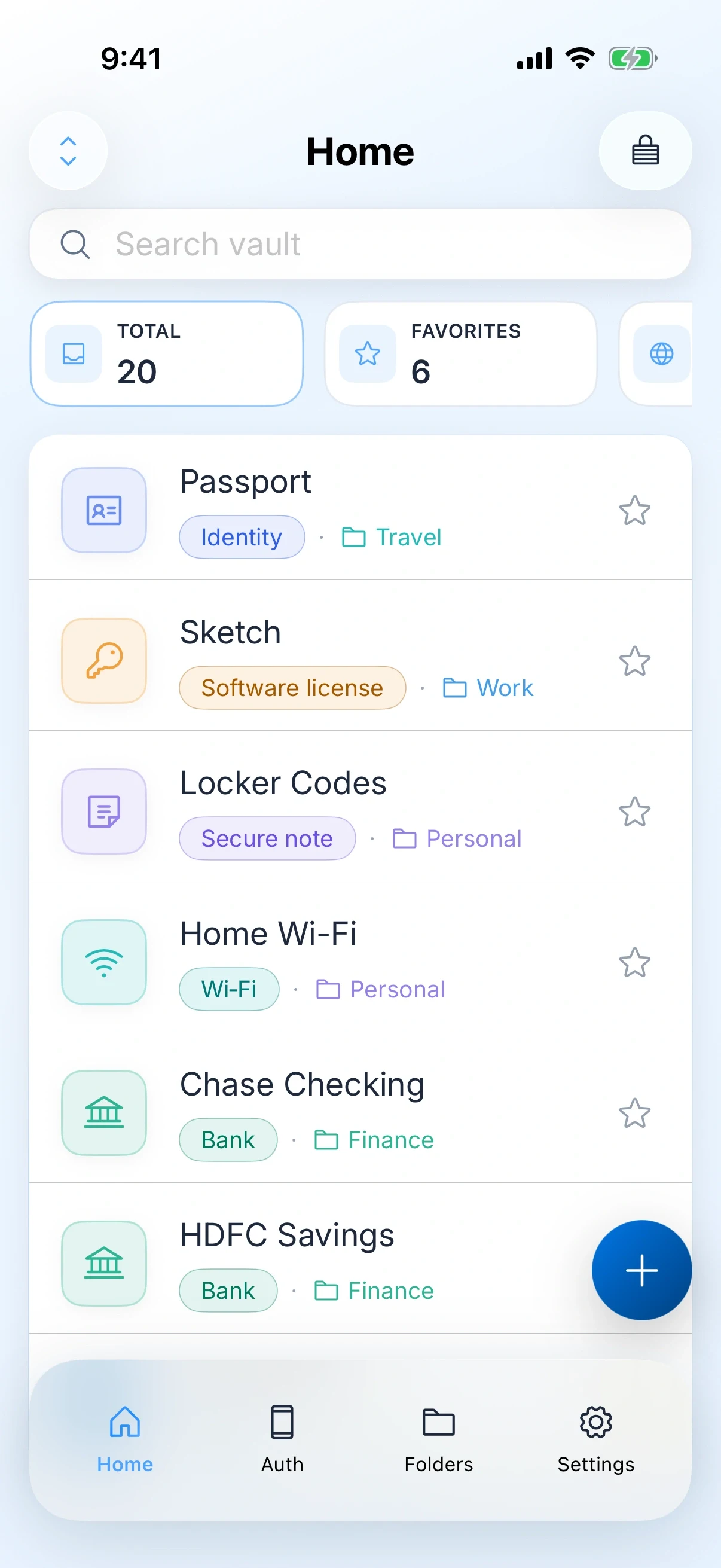
Logins, payment cards, bank details, identity documents, one-time codes and secure notes sit in the same vault. The accountant portal login and the account number it refers to stop living in two different apps.

AutoFill where the work happens

Logins, one-time codes and passkeys fill in Safari and in other apps, with save prompts when you create something new. Client portals stop being a copy and paste exercise.

Nothing to explain to a client

There is no ZenProducts account, no team seat and no invitation flow. If a client asks where their credentials are kept, the answer is on your devices, encrypted, and nowhere else.

It tells you what has gone stale

Password health flags weak and reused entries, which after a few years of client work is usually more of them than you would guess.

Sync you can point at

Optional sync rides your own iCloud under your own Apple ID. There is no vendor database holding a row per freelancer, which is a genuinely easier sentence to say in a security questionnaire.

Five items free

Enough to put your bank, your accountant and two client logins in and see whether the AutoFill actually works in the portals you use, before deciding anything.
Be honest with yourself

When you should not use this

Freelancing turns into a small studio faster than anyone plans for, and at that point this is the wrong tool.

  • You need to share credentials with a collaborator, a VA or a subcontractor. Zen Passwords has no shared vaults and no family plan.
  • A client mandates their own manager, which larger ones increasingly do.
  • You work across Windows or Android as well as Apple hardware. This is Apple only and always will be.
  • You need an audit trail of who opened what, which is a team feature and not something a personal vault should pretend to have.

If any of those apply, 1Password and Bitwarden both do them properly and this page is not trying to talk you out of them.

how to start

A first hour that is worth the hour

Do not migrate everything. Migrate the things that would ruin a week if you lost them.

Start with the email account you invoice from

It is the account that can reset every other account you own. New unique password, then two factor, then check the recovery address is still one you control.

Then anything that touches money

Bank, payment processor, accountant portal, tax login. Put the account numbers in the vault as bank details rather than as a note, so they are next to the login that needs them.

Then live client access, one project at a time

Only the projects that are actually running. Old client logins are a security problem, not a filing problem, and the right move is usually to ask them to revoke it.

Photograph the documents you get asked for

Tax registration, insurance certificate, whatever your clients request at onboarding. As identity items in the vault rather than in a camera roll that syncs to who knows where.

Turn sync on last, if you want it

Once the vault holds something worth having on the iPad as well. It is off until you turn it on, and everything above works with no network at all.

questions

Zen Passwords for this

Can I share a client login with a subcontractor?

No. Zen Passwords has no shared vaults and no family plan. It is built for one person and their own devices. If you need to hand credentials to someone else regularly, use a manager built for teams.

Does it work if a client uses Windows?

The vault is Apple only, so it lives on your iPhone, iPad and Mac regardless of what the client uses. What it cannot do is give that client access, because there is no sharing.

What happens to my clients’ credentials if I stop using the app?

They are on your devices and you can export them. There is no ZenProducts account holding a copy, so there is nothing on our side to delete or to leak.

Is the free tier enough to try it properly?

Five active items, with every feature working on them. That is enough to test AutoFill in the client portals you actually use, which is the only test that matters.

Try it

Zen Passwords

Client logins and your own business details, on your devices, with nothing shared.

other situations

Built for
a job, not everyone.

Zen Passwords

People who travel a lot

Passports, cards and codes in a vault that opens in aeroplane mode.

Read it
Zen Passwords

Employees and contractors at companies

Your own work logins, in a vault with no console for anyone to look into.

Read it
Zen Teleprompter

YouTubers and video creators

Mirrored glass mode, front camera takes, and no watermark on the way out.

Read it
Zen Teleprompter

Conference and keynote speakers

Know the runtime before you walk on, and keep the talk off a server.

Read it