
A useful voice note needs to be easy to find after you record it. Start with one short thought, check the transcript, then give it a title and a place in your notebook. Zen Slate combines notes, voice memos and to-dos on iPhone and iPad. Find the current version on the App Store.
Record one thought you will want to find later
- Create a slate for a specific topic, such as questions for a project meeting.
- Use the recording controls to capture a short memo. Allow microphone access when you want to record. Start with your own speech and avoid recording other people without their agreement.
- Stop the recording and play it back. Confirm that the beginning and ending are present before relying on it.
- Use the transcription option if it is available on your device and for the language you are using. Keep the recording while you review the text.
Review the transcript before using it
Names, numbers and specialist words are worth checking against the audio. A transcript is a useful starting point, not a guarantee that every word was recognized correctly. For example, if the memo says “ask about the revised estimate on Thursday,” check the date before turning it into an action.
On-device transcription requires supported hardware, software and language support. If the option is unavailable, keep the audio and add a typed summary. Do not buy the app solely for transcription without checking that your device supports the workflow.
Give the note a title and one useful tag
- Name the slate after the thing you will search for: “Project meeting questions” is easier to retrieve than “Voice memo 12.”
- Put related material in a category and add a tag you will use again, such as a project name.
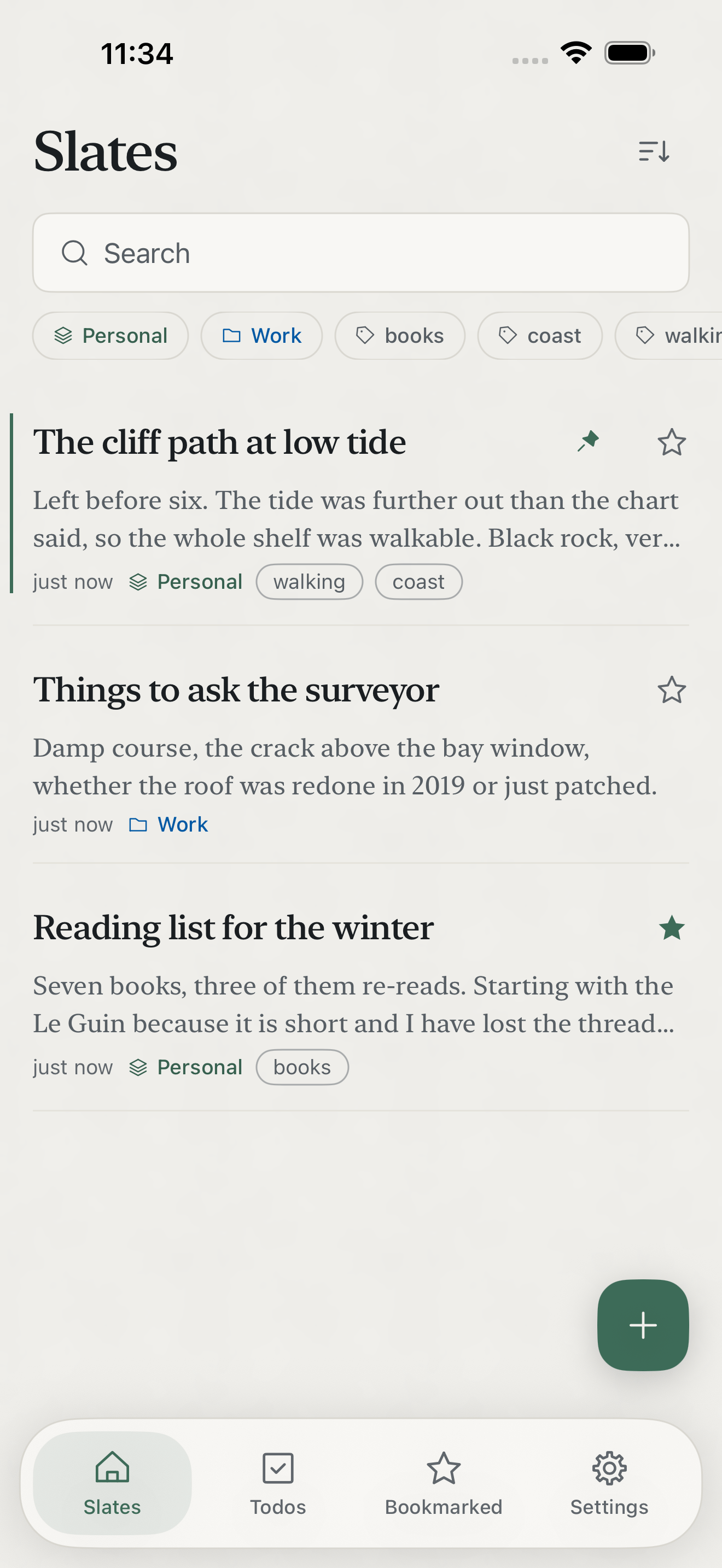
- Use search to find the title or a distinctive word. Reopen the note and check that the audio and reviewed text are where you expect.
- If there is a separate action to do, add it to your to-dos. A checklist written inside a note is not automatically converted into a task.
Check storage and the free limit
You can try five slates free. Pro adds unlimited slates and features including optional personal iCloud sync, backup and export. The current public iOS release covers iPhone and iPad. Your notes are stored on your device; optional sync uses your Apple account. Review the privacy policy for the separate usage-analytics controls and the information they send.
Voice memo, typed note or a separate recorder?
Type a note when wording and editing matter more than speed. Record a memo when speaking is easier and you can review it later. A dedicated recorder may suit an audio-first archive; Slate is useful when the recording belongs alongside written notes and tasks. For shared editing or a different device mix, read the Apple Notes comparison.
See the real product screens on the Zen Slate page. Test one short memo before moving a larger notebook.
Explore the Zen Slate product page and download from the App Store. Try the complete workflow with one entry before moving more of your data.
