
If you have a recording you need in text form: a meeting, an interview, a podcast episode, a voice memo, the usual workflow is an online transcription service. Upload the file, wait, pay per minute, download the result.
Zen Whisper does it differently. Drop the file onto your Mac, and Zen Whisper processes it locally using a Whisper model running on Apple Silicon. No upload, no account, no waiting for a server queue.
What Zen Whisper Can Transcribe
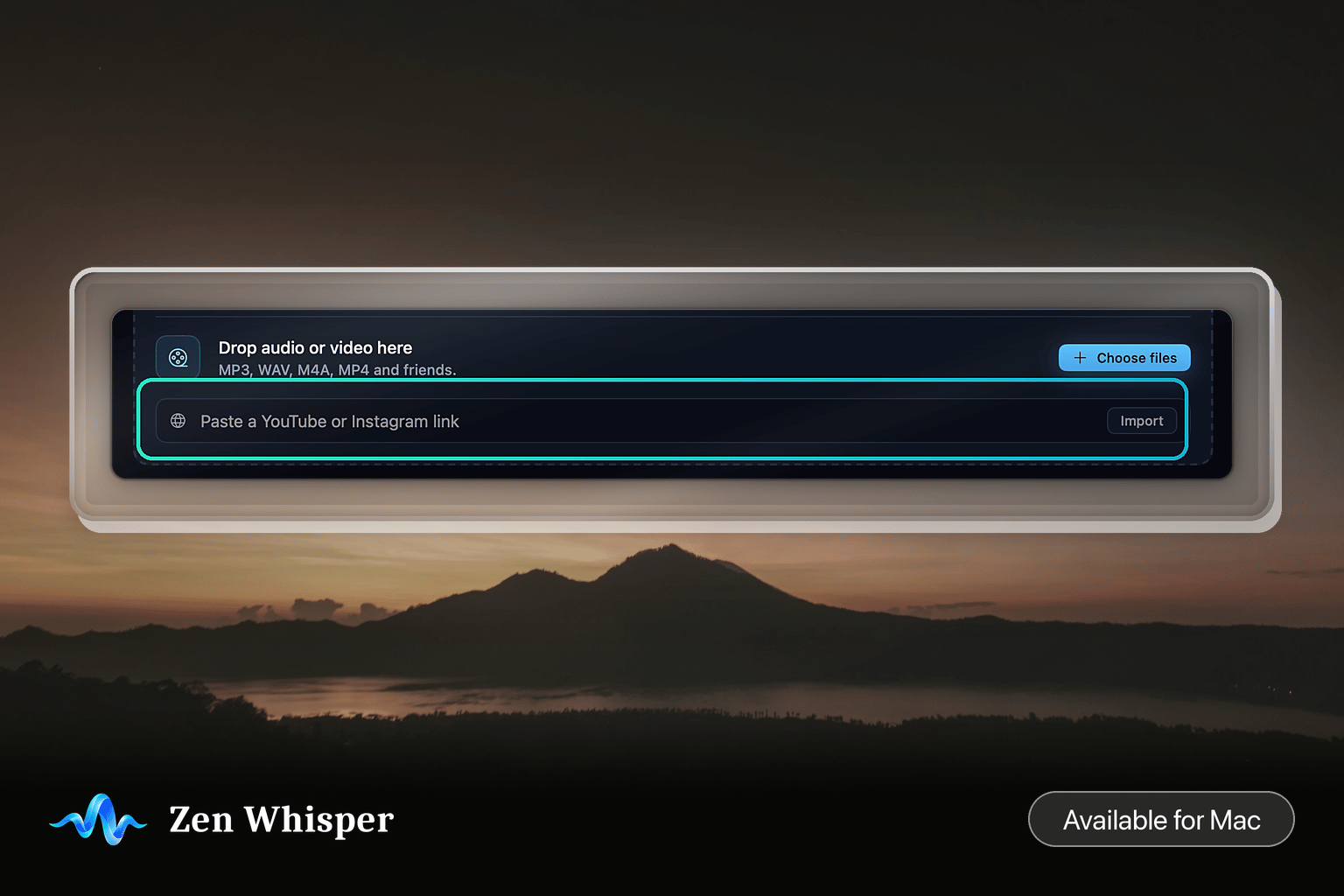
Audio files: MP3, M4A, and most common audio formats. Video files: MP4 and other video containers. Zen Whisper extracts the audio track automatically. Public media URLs: Paste a link to a publicly accessible audio or video file, and Zen Whisper fetches and transcribes it. Live speech: Hold your global dictation shortcut and speak. The transcription appears in whatever app is in focus the moment you release.
How File Transcription Works
- Open Zen Whisper from your menu bar.
- Drag your audio or video file onto the transcription window, or paste a supported public URL.
- Select your language in Preferences if it is not already set.
- Press Transcribe.
Zen Whisper processes the file using your Mac's Neural Engine. A 10-minute recording typically completes in under 60 seconds on an M2 or later.
Speaker Labels and Timestamps
For recordings with multiple speakers, Zen Whisper adds speaker labels (Speaker A, Speaker B) and timestamps at each turn. The output is structured so you can read through a long transcript and quickly find who said what and when.
You can export the transcript as plain text, copy it to your clipboard, or work with it inside Zen Whisper's editor.
No Upload Required
The most common objection to transcription services is privacy. Most online tools require you to upload a file to their servers, where it is processed by a cloud model before the transcript is returned to you.
Zen Whisper processes the file entirely on your Mac. Your audio does not leave your device. This matters for:
- Meeting recordings containing business-sensitive content
- Interviews where the subject has not consented to cloud storage
- Personal voice memos you would rather not share with a third party
You can optionally connect a cloud engine if you prefer higher accuracy for a specific language or accent. The default, however, is fully local.
Combining File Transcription and Live Dictation
Zen Whisper handles both in the same app. Many users use it for live dictation during the day (holding the shortcut to type hands-free) and for file transcription when processing recordings. Both use the same language model and produce the same output format.
There is no separate transcription mode to switch into. Drop a file, and it transcribes. Hold the shortcut, and it dictates.
---
---
*Get Zen Whisper on Gumroad for Mac at zenproducts.ai/apps/zen-whisper.*