
Most password managers work the same way: your vault is encrypted, uploaded to the company's servers, and decrypted on your device when you log in. The company holds the encrypted file. You trust their servers, their security, and their business to remain solvent and honest.
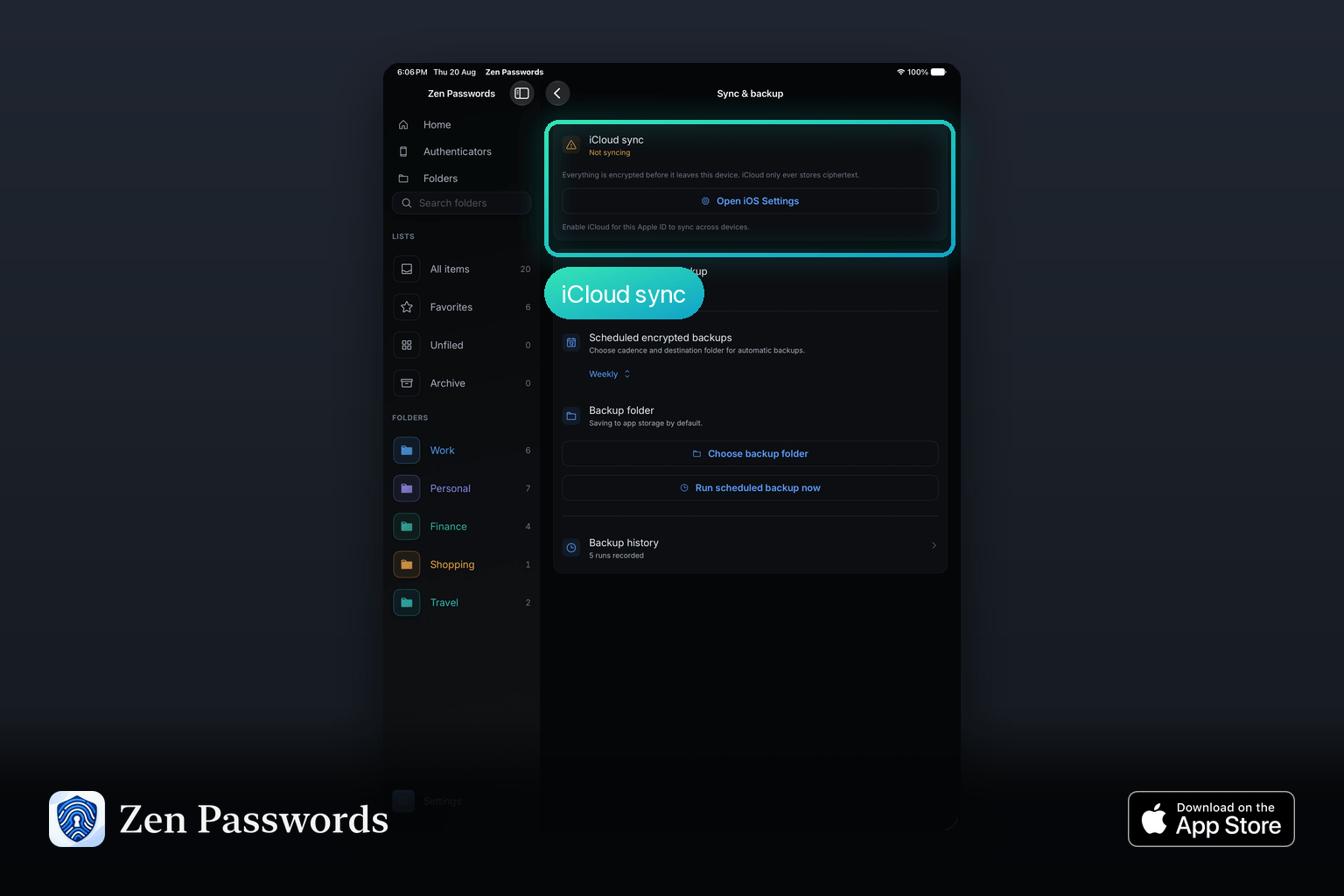
Zen Passwords works differently. Your vault stays on your device. It syncs through your own Apple ID if you choose, using Apple's infrastructure, not ours. Zen Products never receives a copy of your data, encrypted or otherwise.
How Local-First Encryption Works
When you create your vault in Zen Passwords, your master password is used to derive an encryption key on your device. That key encrypts your vault items locally. The encrypted vault can then optionally sync via iCloud using your personal Apple ID.
At no point does your master password leave your Mac. Zen Passwords has no account system, no reset link, and no server that could be breached to expose your data. If Zen Products went offline tomorrow, your vault would continue to open and sync exactly as it does today.
What Zen Passwords Stores
Zen Passwords handles seven item types:
- Web logins with username, password, URL, and notes
- Payment cards including card number, expiry, CVV, and billing address
- Bank details with account and routing numbers and IBAN
- Identities and documents such as passport, driving licence, and personal details
- Secure notes as encrypted free-form text
- Wi-Fi networks with SSID and password
- Software licences with key, order number, and version
You can also attach encrypted photos to any vault entry, useful for storing a scan of a document alongside its typed details.
No Company Account Required
Creating a Zen Passwords vault requires no registration with Zen Products. You download the app, set a master password, and your vault is created locally. If you want to sync between your iPhone, iPad, and Mac, you enable iCloud in the app settings. Sync runs through your own private iCloud under your Apple ID, and what it carries is already ciphertext, because the vault was sealed on your device before any of it left.
There is no Zen Passwords account to breach, no subscription tied to a company-held email, and no customer database that could leak your identity alongside a password breach.
Offline Access
Zen Passwords works entirely offline. Your vault is stored locally and does not require an internet connection to open, search, or edit. This is useful when travelling or in environments where network access is restricted.
Open Vault Without the App
Zen Passwords uses open-source cryptography and ships with a terminal tool that can open your vault independently. If the app is ever unavailable, you retain access to your vault through the CLI. The vault format is documented and the cryptography is not proprietary.
Password Health, Checked Locally
Zen Passwords includes a password health assessment that checks for weak, reused, and potentially compromised passwords. These checks run entirely on your device. Your passwords are never uploaded to a breach database or third-party checking service.
---
---
*Try Zen Passwords free at zenproducts.ai/apps/zen-passwords.*