
A useful baby log makes the next handover easier. It records what happened and when, so two caregivers do not have to reconstruct the night from messages.
At 7 a.m., one caregiver takes over. The last bottle, the most recent diaper change and the end of a sleep are already in the same record. Zen Otto, available on the App Store, brings those entries together on iPhone. This guide covers recording and sharing information, not feeding or sleep advice.
Start with the entries you actually need
- Set up the baby whose care you are recording. Otto keeps separate logs for multiple babies; check the selected baby before adding an entry.
- For breastfeeding, use the timer for the relevant side and stop it when that part of the feed ends. The dial keeps the start and stop control within reach.
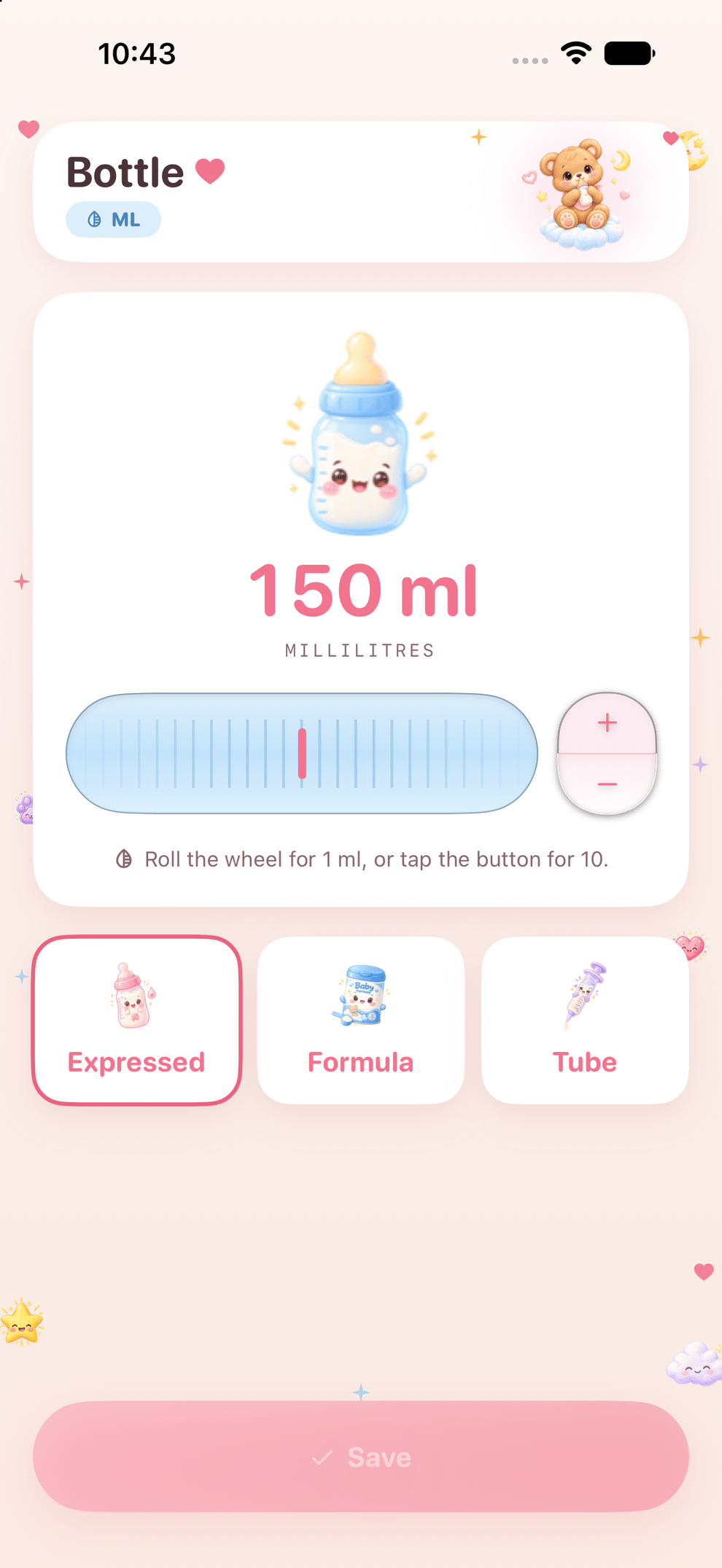
- For a bottle, record the amount and check the unit: milliliters and ounces are different. Choose formula or expressed milk as appropriate.
- Add the diaper type and the sleep start or end. If you log something later, edit the entry to the time it actually happened.
- Review the daily log before handing over. The nighttime record and weekly summary offer other views of the same care history.
Choose a small set of entries both caregivers will keep using. Pumping, weight and other records are available, but enabling more categories does not automatically make the log more useful. For health concerns, speak to a qualified clinician rather than treating an app summary as a diagnosis.
Test the handover before relying on it
Inviting a caregiver and syncing your own devices are separate choices. Use the caregiver-sharing controls, then confirm that a new entry appears for the other caregiver. Agree who records an event when both people are present, so the same bottle is not entered twice. Otto also lets you export a record when you need a separate copy.
Understand where the record goes
Care records are stored on your iPhone. iCloud sync is on by default when available. You can turn it off in Settings, with the change taking effect on the next app launch. An existing caregiver share is managed separately; switching off device sync does not revoke it. No Zen Otto account is required. Optional usage analytics are on by default and can be switched off in Settings. Read the Otto privacy policy for the sharing and deletion details.
An app or a shared notebook?
Keep a paper or shared text log if everyone can reliably record and read the information there. Choose Otto if timers, structured entries, separate baby logs and caregiver handover solve a recurring problem for you. After setup, a subscription or one-time purchase is required. Eligible subscriptions offer a three-day trial; Apple confirms eligibility and the local price before purchase.
See the actual screens on the Zen Otto product page, then review the current offer on the App Store.